EnterprisePricing

.svg)
Noloco
vs

Airtable Interface Designer
Airtable Permissions:
What They Can and Can't Do
Airtable's permission model works well for small internal teams.
Here's a precise breakdown of what it supports, where it stops, and what to do when you need more.
Here's a precise breakdown of what it supports, where it stops, and what to do when you need more.
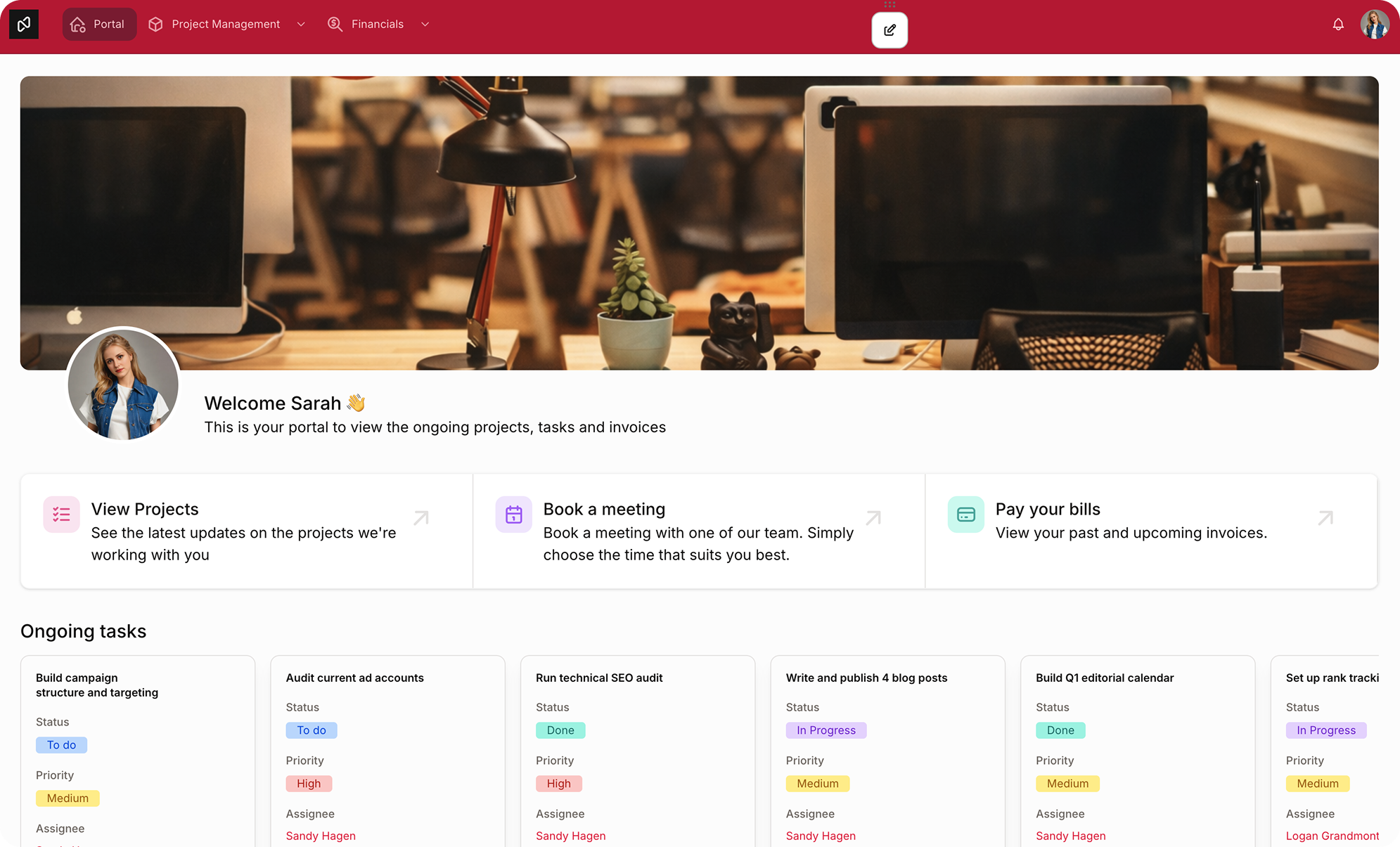
What Airtable's permission system actually covers
.svg)
Workspace-level
roles
roles
Every collaborator in an Airtable workspace has one of four roles: Owner, Creator, Editor, or Commenter. These roles apply across all bases in the workspace.
Base-level
roles
roles
You can override workspace roles at the base level. A person who is an Editor at the workspace level can be given read-only access to a specific base.
Field and table editing permissions
Business and Enterprise plans support field-level and table-level edit permissions. Owners and Creators can lock specific fields so only designated roles can modify them.
Interface-level
access
access
Interfaces can be shared independently of the base. You can give a collaborator access to a single Interface without giving them access to the underlying base.
"Current user" record filtering in Interfaces
Airtable Interfaces support a filter that shows each logged-in user only records where a linked user field matches them.
Where Airtable permissions run out
Understanding the limits is important for planning.
These are not workarounds or edge cases — they are documented constraints of how the system is designed.
Record-level permissions are filter-based, not security-enforced
The "current user" filtering in Interfaces shows a filtered view. It is not a database-level security rule. If a user has base access (rather than Interface-only access), they can see all records regardless of the filter. This is an important distinction: the filter controls what is displayed, not what is accessible.
.svg)
Current user filtering must be set up on every Interface page individually
If your Interface has multiple pages — a project list, a task detail view, a document library — you must configure the current user filter on each page separately. It does not carry across automatically. For complex Interfaces with many pages, this becomes a significant maintenance burden.
.svg)
There is no role-based permission system within an Interface
All Interface users at the same permission level (editor, commenter, viewer) see the same page configuration. You cannot create multiple "roles" within a single Interface where Role A sees columns 1-5 and Role B sees columns 1-3 and also column 8. To achieve this, you need to build separate Interfaces for each role, which multiplies your build and maintenance overhead.
.svg)
Field-level permissions are limited to base collaborators
Field and table editing permissions apply to people who have base-level access. Interface-only collaborators don't have the same permission granularity — they can edit what the Interface is configured to allow, which is set globally for all users of that Interface.
You cannot apply different permissions to different records of the same type
There's no native way to say "Project Managers can edit project records they own, but not project records owned by other managers." Record ownership-based editing requires custom scripting or a third-party tool.
A practical example:
a client delivery agency
An agency has 12 clients.
Each client should only see their own projects, deliverables, and invoices.
The ops team should see everything.
Account managers should see their own clients plus be able to add records.
The finance team should see invoices and financial fields only.
Each client should only see their own projects, deliverables, and invoices.
The ops team should see everything.
Account managers should see their own clients plus be able to add records.
The finance team should see invoices and financial fields only.
In Airtable, serving this scenario requires:
- Separate Interfaces for each client
- Separate Interfaces for the ops team, account managers, and finance team
- A Portals add-on (at additional cost) to give clients external login access
- Manual configuration of record filters on every page of every Interface
This is achievable, but it requires significant Airtable expertise and ongoing maintenance whenever the base structure changes.
No credit card required
How Noloco handles this
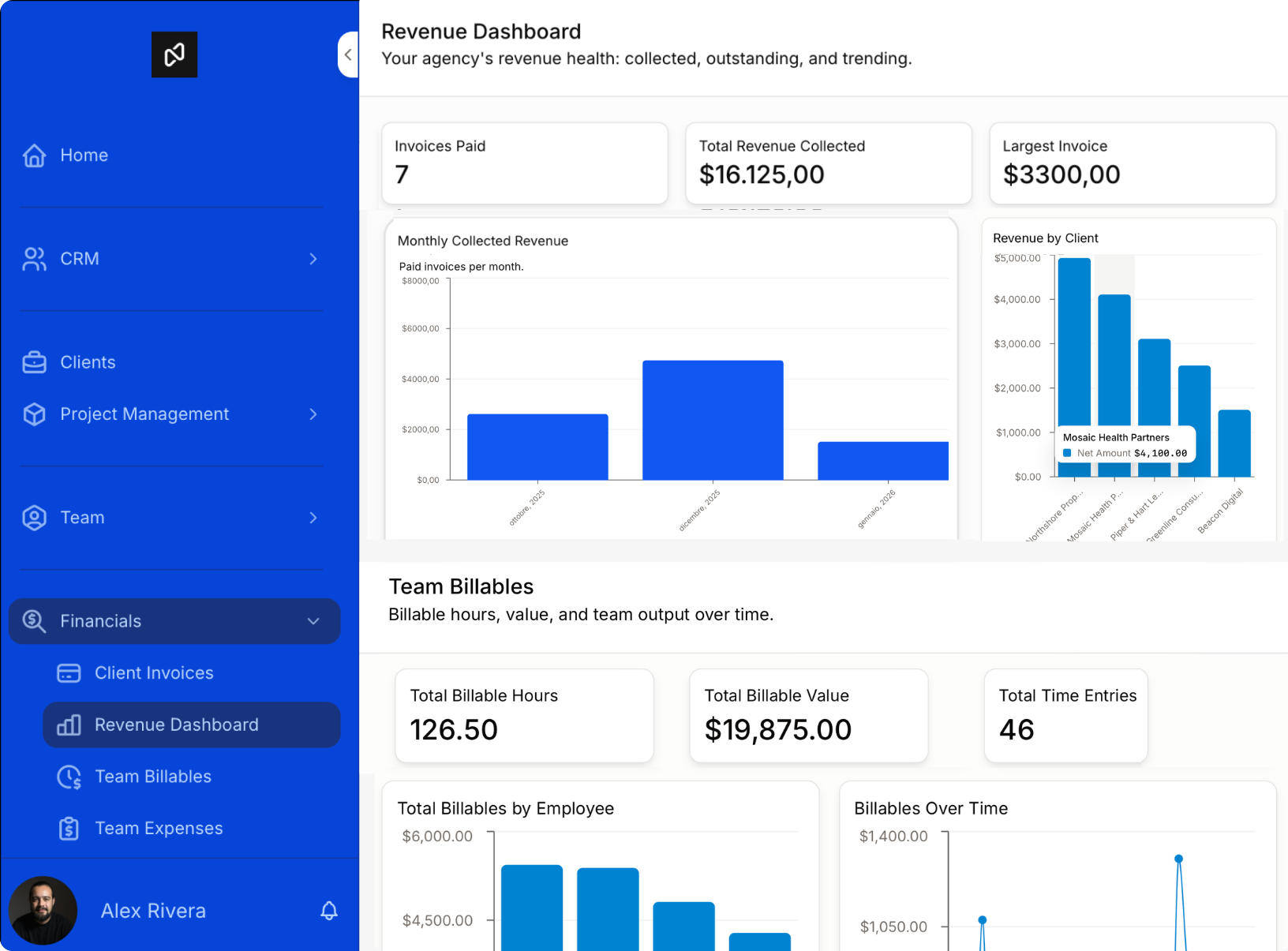
Noloco connects to your Airtable base and builds the permission layer on top.
Key differences:
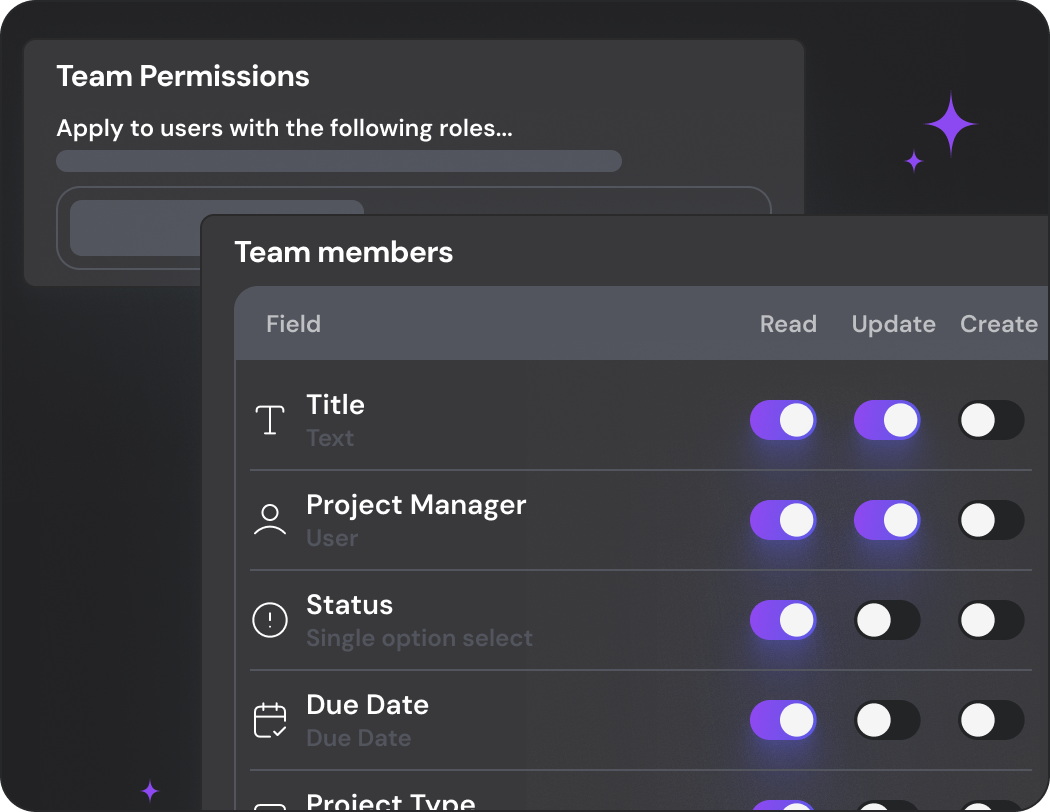
Role-based permissions
You define roles (Client, Account Manager, Finance, Admin) once and apply them across the entire app. When you update a role, it updates everywhere.
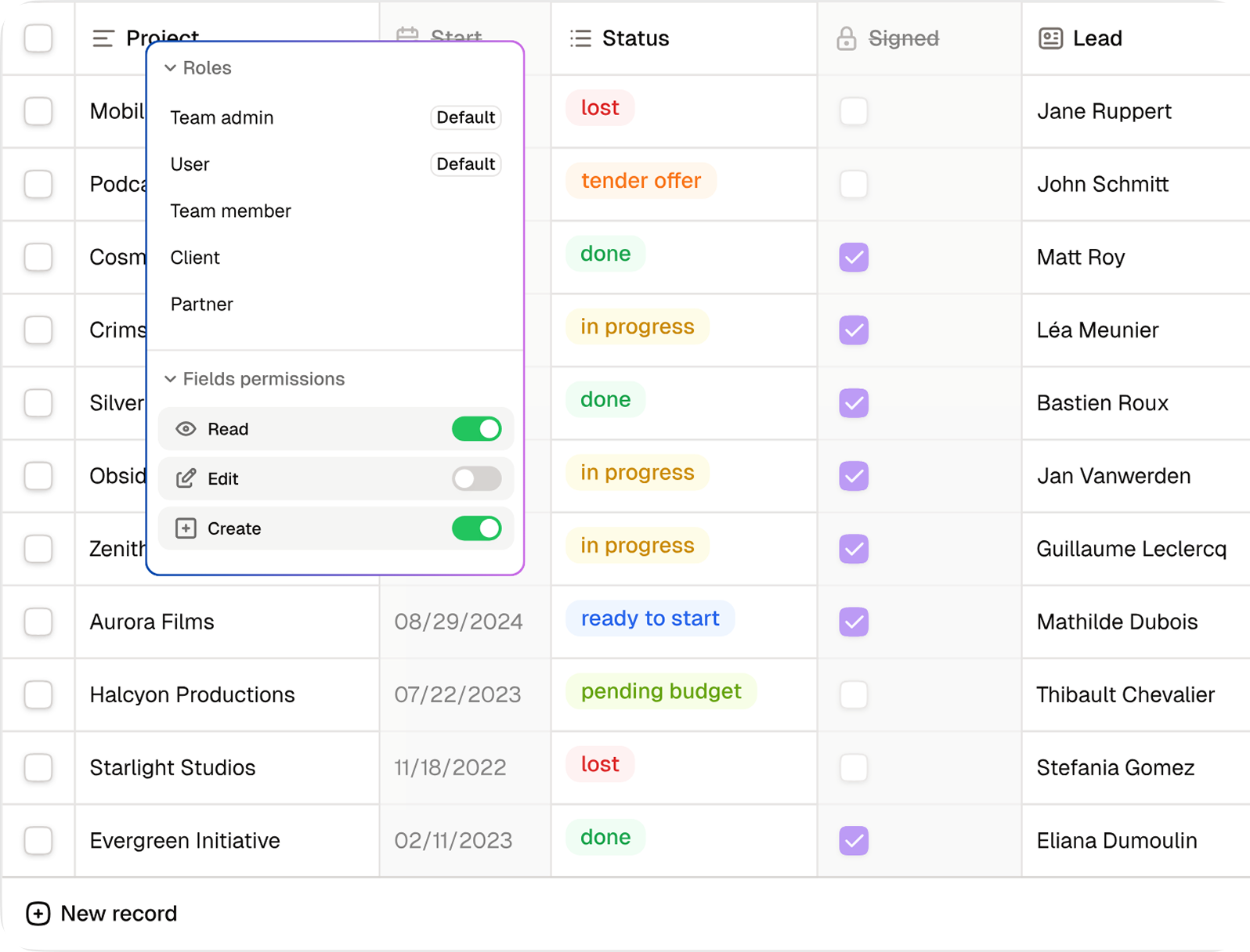
Record-level visibility
Records are filtered by role and by the logged-in user's relationship to those records. A client only sees their projects, automatically, across every page of the app.

Field-level visibility
You can show or hide specific fields based on the user's role, not just globally.
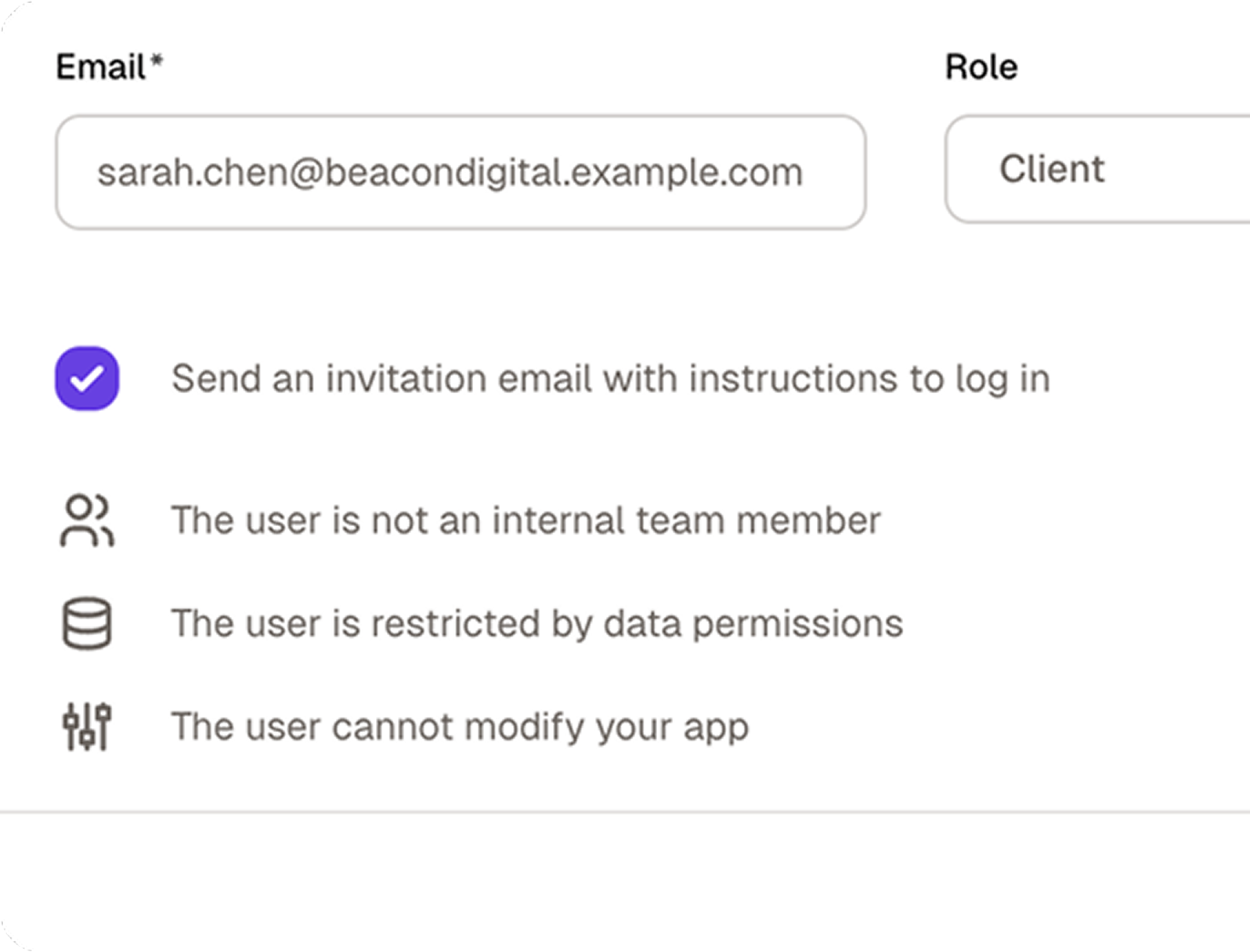
No Airtable account required
Clients log in via email/password or SSO to a portal at your domain. They never interact with Airtable.
No credit card required
Don't take our word for it
Trusted by 1,000+ teams and counting...





Why teams choose Noloco
Your Airtable base stays exactly as it is
No migration, no rebuilding your workflows.
Noloco connects to your existing base and adds the portal layer on top — your team keeps working in Airtable the same way they always have.
Noloco connects to your existing base and adds the portal layer on top — your team keeps working in Airtable the same way they always have.
Users only see what they should
Whether it's a client logging into their own portal or a team member accessing their department's data, every user sees exactly what their role allows— at your domain, with your branding. No one sees an Airtable spreadsheet.
Permissions work at scale
Define roles once —Client, Manager, Admin — and every new user gets the right access automatically. No reconfiguring filters for every new user or new Interface page.


How to get started in four simple steps
.png)
Up and running in minutes
Start your 14-day free trial, no credit card required. Connect your Airtable base and Noloco generates your app pages automatically.
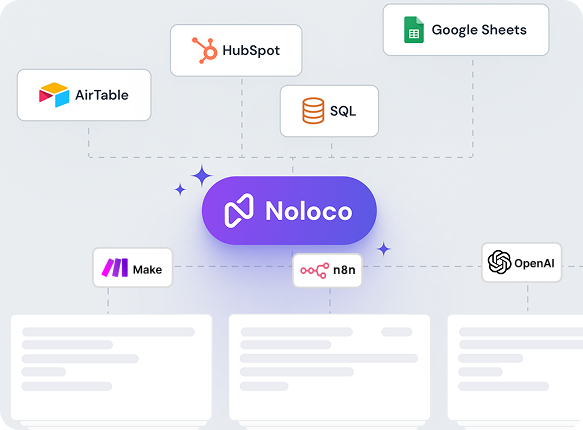
No migration needed
Noloco connects to your existing Airtable bases with live two-way sync. Your tables, linked records, and formulas stay exactly as they are.
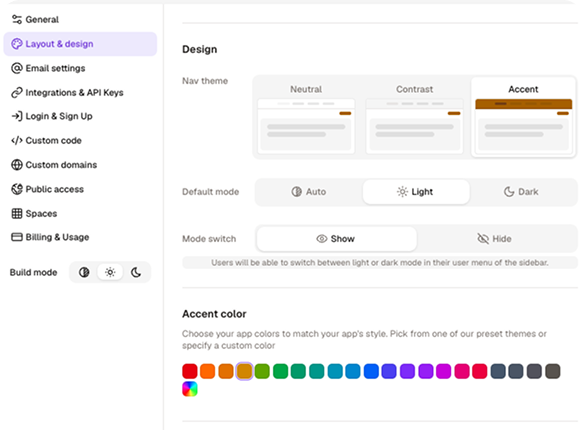
Customize your app
Add your logo, set your colours, configure what each user can see and do, all without writing a single line of code.
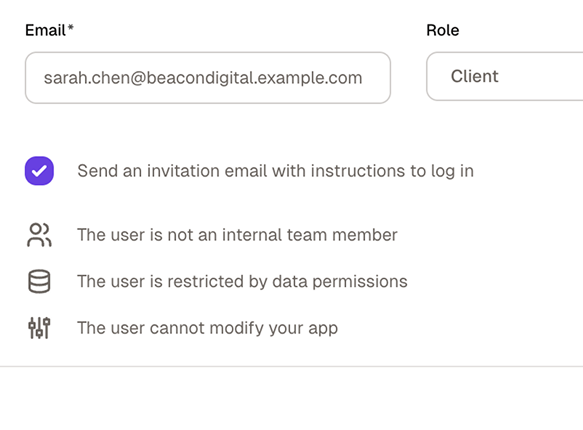
Invite your team and clients
Publish your app, assign roles, and send invitations. Everyone sees exactly what they need — and nothing they don't.
No credit card required
Still have questions?
Here are the ones we hear most.
What’s the difference between Airtable Interface Designer and Noloco?
+
-
Airtable Interface Designer lets you build internal views and dashboards on top of your Airtable data. It’s designed for teams who want to create filtered views, summary dashboards, or simple data-entry forms within Airtable, without sharing raw base access.
Noloco is a full app builder. It connects to your Airtable base with live sync and lets you build a complete application on top of it: custom navigation, branded design, row-level permissions, external user access, mobile support, multi-step workflows, and action buttons.
The data stays in Airtable. The app is in Noloco.
Can I keep using Airtable as my database when I switch to Noloco?
+
-
Yes! This is actually the most common setup.
You don’t switch away from Airtable at all. Noloco connects to your existing Airtable bases via live, two-way sync. When someone updates a record in Noloco, it updates in Airtable instantly. When you update data directly in Airtable, it’s reflected in the Noloco app.
The only thing that changes is the interface your team and clients use. Instead of Airtable’s Interface Designer, they use your Noloco app — with your branding, your permissions, and your custom layout.
Can Noloco replace Airtable entirely?
+
-
It depends on how you use Airtable. Noloco includes its own built-in database (Noloco Tables) with relational data support, so teams that primarily use Airtable as a backend database can fully consolidate into Noloco.
Many teams prefer using both together: Airtable as the backend and Noloco as the front-end experience for clients, partners, or internal teams.
Why can’t I just use Airtable Interfaces for my clients?
+
-
You technically can, but with significant limitations: there’s no custom domain, minimal branding options, and giving external clients access requires the Portals add-on at$120+/month. Even then, you can’t control what each individual client sees at the row level.
Noloco is built for exactly this use case. Clients get a branded portal on your domain, they log in securely, they see only their records, and you don’t pay per guest. It’s the difference between showing a client your spreadsheet and giving them a professional client portal.
How do I show each client only their own records in Airtable?
+
-
Airtable Interfaces support per-user record filtering, which shows each logged-in user only records where a user field matches them. This must be configured separately on each Interface page — it doesn't apply automatically across all pages. Third-party portal tools like Noloco handle this automatically based on role and user relationship to records, without requiring per-page configuration.
How long does it take to connect Airtable to Noloco and build a first app?
+
-
Most teams connect their Airtable base and have a working app in under an hour. Noloco reads your Airtable schema and auto-generates pages for each table, so you’re not starting from a blank canvas. You then customize layouts, set permissions, and apply your branding.
For a basic client portal (login, record list, detail page) plan for 1-2 hours of setup. More complex apps with custom workflows take longer, but Noloco’s template library covers the common starting points.
Can I try Noloco for free?
+
-
Yes. Noloco offers a 14-day free trial, which includes full access to the features on your selected plan. This allows your team to fully evaluate workflows, permissions, automations, and integrations. No credit card is required to get started.
Do I need to pay for both Airtable and Noloco?
+
-
If you keep Airtable as your database, yes — you’d pay for both. For most teams, the combined cost is still lower than Airtable alone once you factor in the Portals add-on for external access, per-editor seat costs, and plan upgrades triggered by record limits.
Alternatively, Noloco includes its own built-in database (Noloco Tables). Teams that don’t need Airtable’s native grid interface often migrate their data to Noloco Tables and drop the Airtable subscription entirely.
What can Noloco do that Airtable Interface Designer can’t?
+
-
— Custom domain and full white-label branding: your app looks like your product, not Airtable’s
— Row-level and field-level permissions: each user sees only what they’re allowed to see
—External user access included: no Portals add-on required
—Native mobile app (PWA): installable on iOS and Android with a real mobile experience
— Multi-step workflows and action buttons: automations triggered from within the app, not just in the base
—Unlimited interfaces on all plans: not dependent on your Airtable plan tier
— Charts and dashboards: built natively into your app layout
— Multi-source data: connect Airtable, GoogleSheets, PostgreSQL, and more in the same app
Is Noloco better than Airtable Interfaces for mobile?
+
-
Significantly. Airtable Interface Designer is primarily designed for desktop use — layouts don’t translate well to smaller screens and there’s no PWA or native mobile app support.
Noloco generates a fully responsive app that works on any device and can be installed as a PWA on iOS and Android. For field teams, contractors, or clients who primarily access tools from their phone, this is often the deciding factor.
Why do teams switch from Airtable Interface Designer to Noloco?
+
-
The most common triggers:
— They need to give clients or partners access and don’t want to pay the Portals add-on
— They want a branded app with their own domain and logo
— They’ve hit the interface limit on their Airtable plan
— They need row-level permissions, not just view-level
— They want a realmobile experience for their team or clients
— They want workflows and automations that are part of the app interface, not hidden in the Airtable base
I have 30 clients. If I give them Airtable access, will they see each other's data?
+
-
With native Airtable access, yes — unless you manually configure per-user filtering on every Interface page, or maintain separate bases per client.
Noloco solves this automatically: each client logs into your portal and sees only the records linked to them, across every page of the app, without any per-page configuration on your end. When you add a new client, they get the right view immediately.
We're an agency with 50 clients. What happens to our costs if we give each client portal access?
+
-
With Airtable Portals, costs scale with every client you add — seats are sold in bundles as a paid add-on on top of your existing Airtable subscription.
With Noloco, you pay a flat monthly fee that includes a set number of client seats. Whether you're serving 10 clients or 45, your bill stays the same. For agencies with growing client bases, that predictability is usually the single biggest reason they switch.
Can clients submit forms, approve deliverables, and upload files — or can they only view their data?
+
-
With Airtable Interfaces, clients at Commenter level can leave comments but can't submit forms or edit fields.
With Noloco, clients can do all of this: submit multi-step forms, trigger action buttons, upload files to specific records, and update fields you've configured as editable — all from within their branded portal, without ever seeing Airtable.
My clients aren't technical. Will they struggle with Noloco?
+
-
Airtable Interfaces were designed for internal teams who are comfortable with a database tool. For external clients — especially non-technical ones — the experience can feel unfamiliar.
Noloco is designed from the ground up for external users: clean navigation, mobile-friendly, and branded as your product rather than a third-party tool. Most Noloco customers report that clients engage more once they have a portal that actually looks and feels like software built for them.
We already use Airtable for everything. Do we have to migrate our data to use Noloco?
+
-
No. Noloco connects directly to your existing Airtable base — your data stays exactly where it is.
Your team keeps working in Airtable the same way they always have. Noloco just adds the portal layer on top: the client-facing experience, the permissions, the branding, and the domain. You can be live with a client portal in hours without touching your Airtable setup.
Granular permissions on top of your existing Airtable base.
No migration needed.