
Noloco MCP
Build your business app from the AI assistant you already use
Connect Claude, ChatGPT, Cursor or any MCP-compatible assistant to Noloco. Ask it to build pages, create forms and views, set up workflows and turn your existing data into the app your business needs, whether that's a client portal, an internal hub, or something else entirely.
Noloco MCP turns any AI assistant into a Noloco builder
Build with AI
Build and change your app
“Turn these tables into a client portal”, “add a form for new requests”, “post to Slack when a deal is won”: your assistant gets the same building tools as Nola, Noloco’s own AI builder. Before each job it loads a short Noloco how-to, from turning tables into an app to filtering a view for each user.
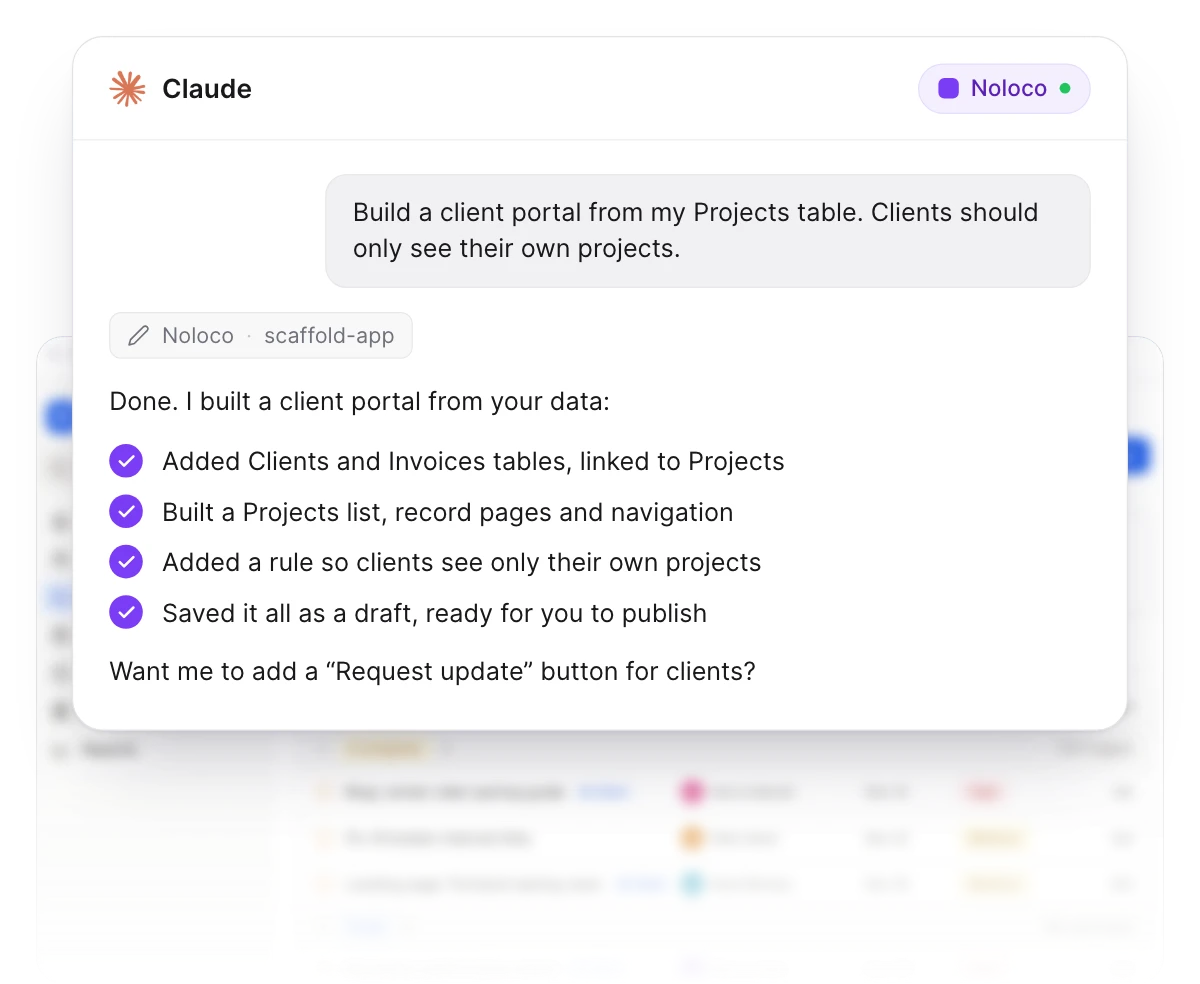
Everything you can build from a chat
Tables, pages, forms, workflows, permissions and settings, from the assistant you already use. A few settings, like custom domains and SAML sign-in, stay in the builder.
Tables and fields
Create and change tables and fields. Deleting a field reports the formulas, lookups and rollups that depend on it.
Pages and views
Add pages, folders and dividers, create views, choose their layout and fields, and lay out record pages from a description.
Forms
Set up a view's add-record form: its fields and their order, labels, help text, defaults and required fields.
Action buttons
Add, change or remove the action buttons on a view.
Workflows
Create workflows, set their trigger and describe their actions, including posting to Slack. Switch them on or off.
Roles and permissions
Create roles and write the permission rules for each table, its fields and its records.
Canvas pages
Build or edit a Canvas page from a description.
Settings and publishing
Change layout, design, emails and login or sign-up, switch between live and test mode, and publish your changes.
Live data
Your assistant talks to your real data
Ask questions about your projects, find records, filter and sort: your AI sees the same data your app does, in real time. No exports, no copy-paste, no stale snapshots.
Two-way writes
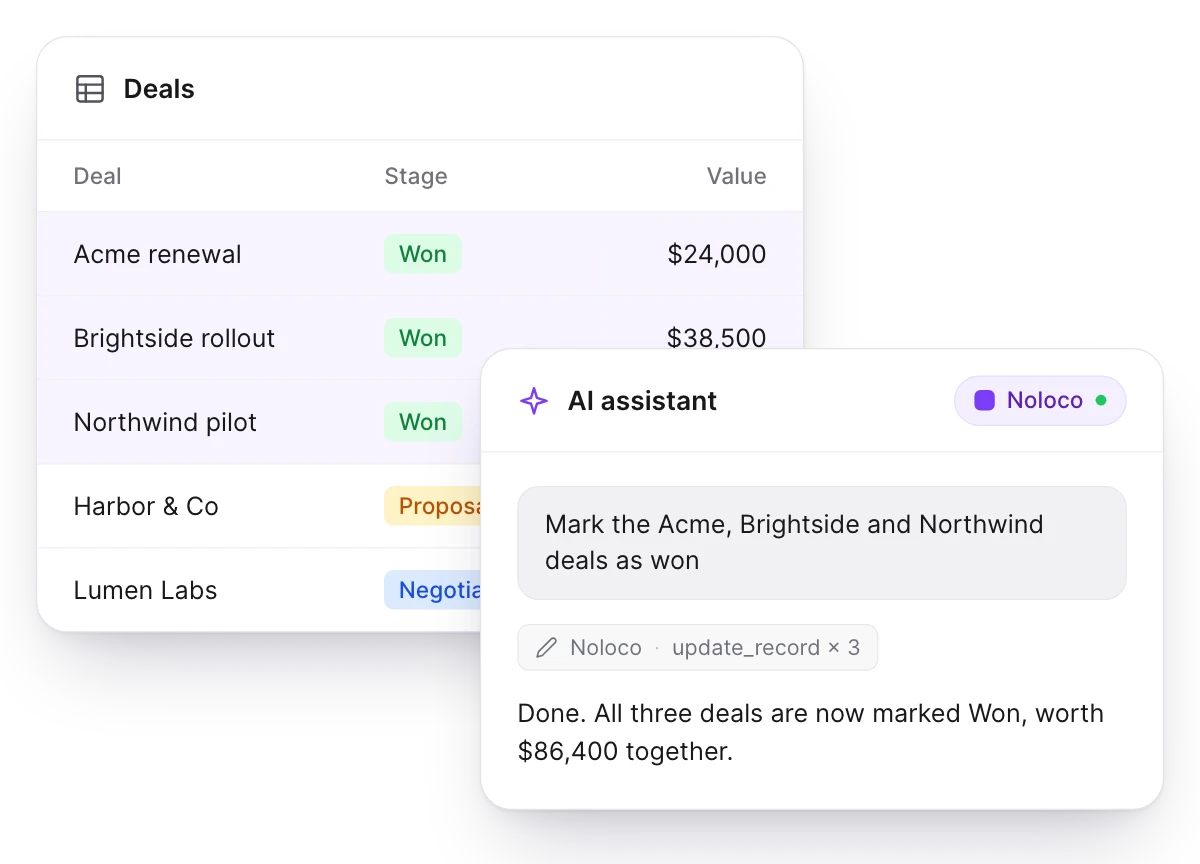
Read, write, update in your own words
“Create five test customers”, “mark these three deals as won”, “update the assignee on every overdue job”: your assistant chains the right actions itself. The same validation rules as the rest of the Noloco API still apply, so your data stays accurate.
Trained on Noloco
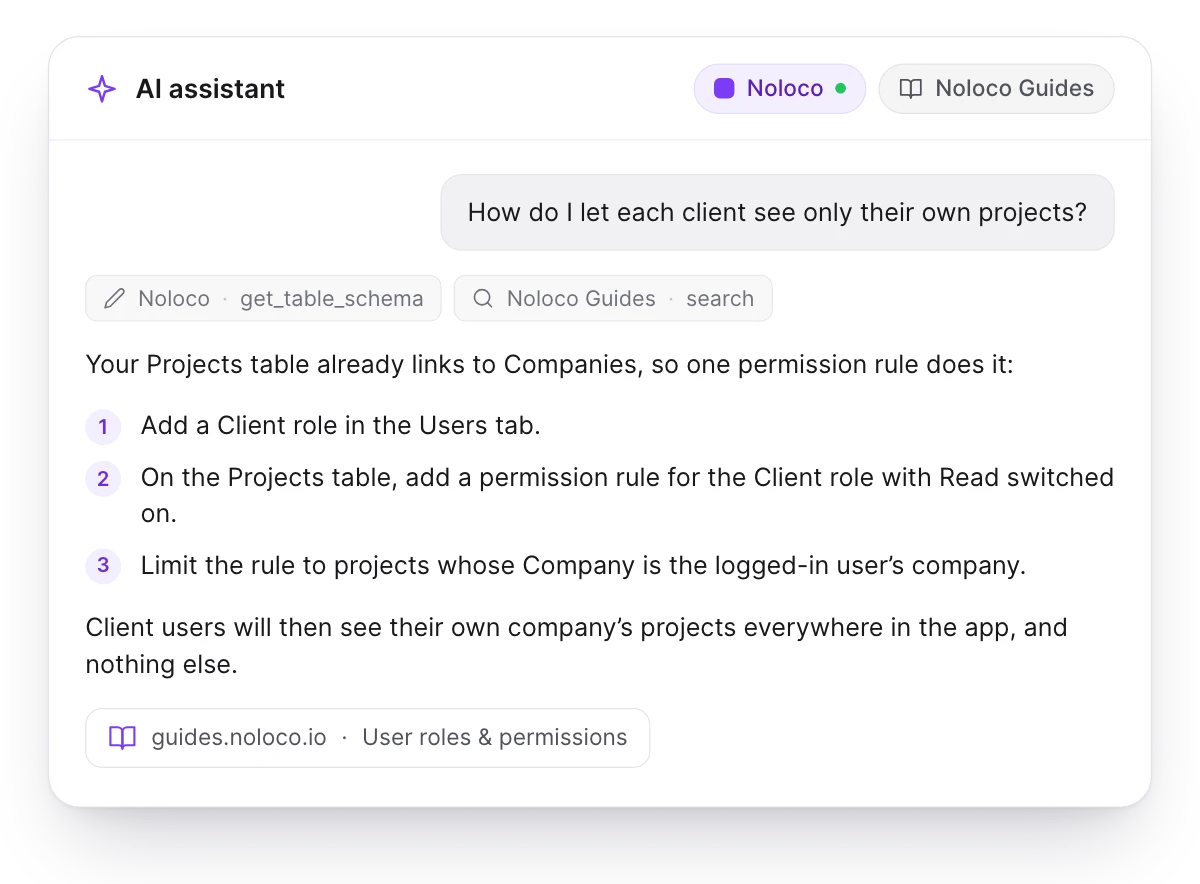
A Noloco expert built into your assistant
Pair Noloco’s MCP with the public Noloco Guides MCP and your assistant can design tables, recommend relationships, draft permission rules and walk you through workflows, citing the docs as it goes. It already knows your business; now it knows Noloco too.
You stay in control
Admins approve access to each app, and building needs read and write access plus builder and data admin permissions. A connected assistant acts with your data admin role, so it can read and change any record in the apps you approve.
No API keys
You connect with a one-time OAuth sign-in, so no long-lived secret sits in a config file.
Read or write, app by app
Choose which apps each assistant can reach, and read only or read and write on each. A read-only app never gets the build tools. Sign in again to change it.
Drafts until you publish
Changes to pages, views, forms, buttons and workflow actions stay as drafts until you publish. Your assistant checks with you before it publishes or deletes anything.
Checked on every call
Access is checked on each request, so removing someone's builder or data admin role applies at once. Revoke any client whenever you like.
Universal
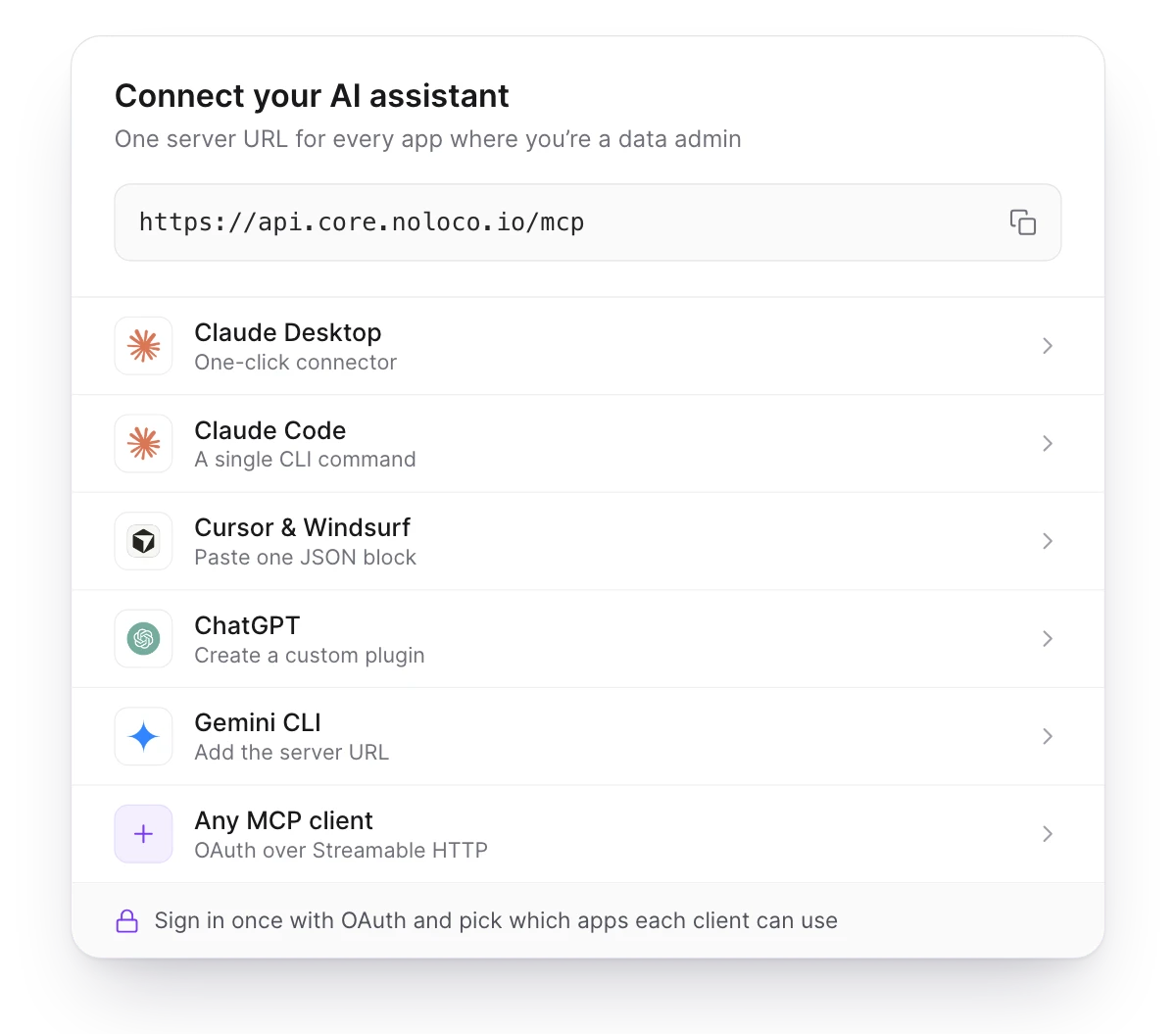
Claude, Cursor, ChatGPT, Windsurf, Gemini: all supported
Any MCP-compatible client connects in under a minute with just a URL and a one-time sign-in. Free on every Noloco plan, at no extra cost; only the build tools that use Noloco’s AI, for Canvas pages, record page sections and workflow actions, draw on your AI credits.
Customer stories
Teams building with it

50%increase in billable hours
How GAP Consulting doubled cash flow with a no-code client portal
- It Just So Happens
29active projects
How the remote digital agency ‘It Just So Happens’ built one portal around the way they work with Canvas by Noloco

60%software cost reduction
How Redrock Entertainment built a Custom Operating System and Cut Software Costs by 60% with Noloco
Give your AI assistant the keys to your app
AI gives you new ways to build. Noloco gives you a way to turn those ideas into apps your business can actually run on. Included on every plan.