
Canvas
If you can describe it, Nola can build it
Build custom pages and components without leaving the secure, reliable foundation of your existing app.
Say goodbye to rigid layouts
Canvas doesn’t replace Noloco’s builder. It gives you another way to build when a standard view, record page, or dashboard can’t quite express what you have in mind.
You can still build things the way you always have. Or, when a standard layout doesn’t quite fit, you can describe what you need and Nola builds it with Canvas.
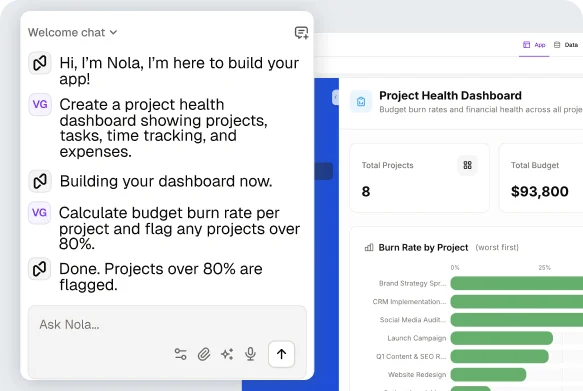
From a prompt to a system
Describe it once. Nola builds it, live, inside your app.
- 1
Describe what you need
A client portal, a project dashboard, a resource planning tool: be as specific as you want and Nola takes it from there.
- 2
Nola creates your Canvas
Using your existing data, app structure, and permissions. No configuration, no code: just review it and start refining.
- 3
Ask Nola to adjust anything
"Show overdue projects first", "Add new permissions", "Set up new workflow", and she updates it instantly.
What will you build with Canvas?
Real examples, built with a single prompt.
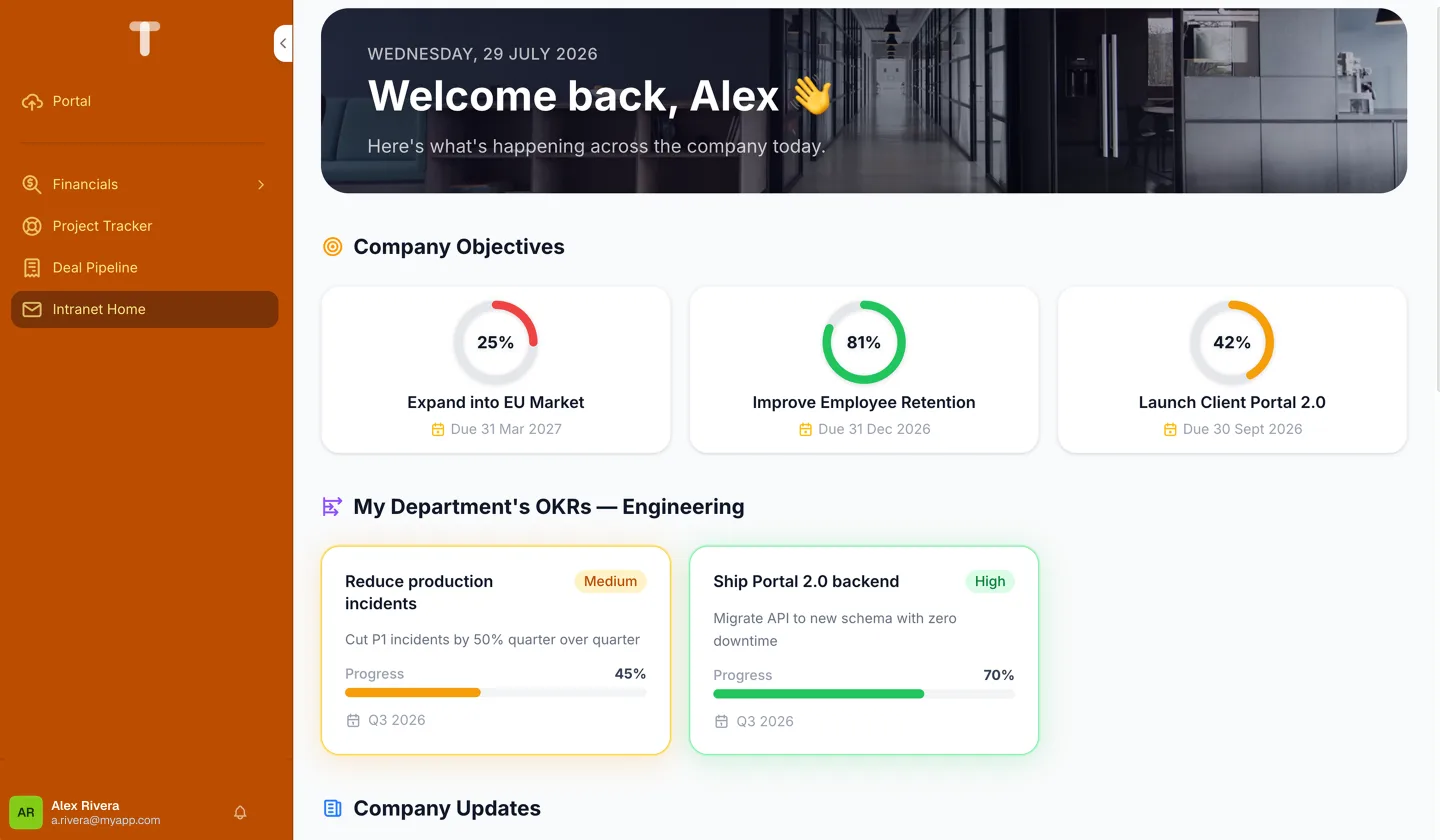
Company Intranet
"Give every employee one home for company objectives, OKRs and announcements"
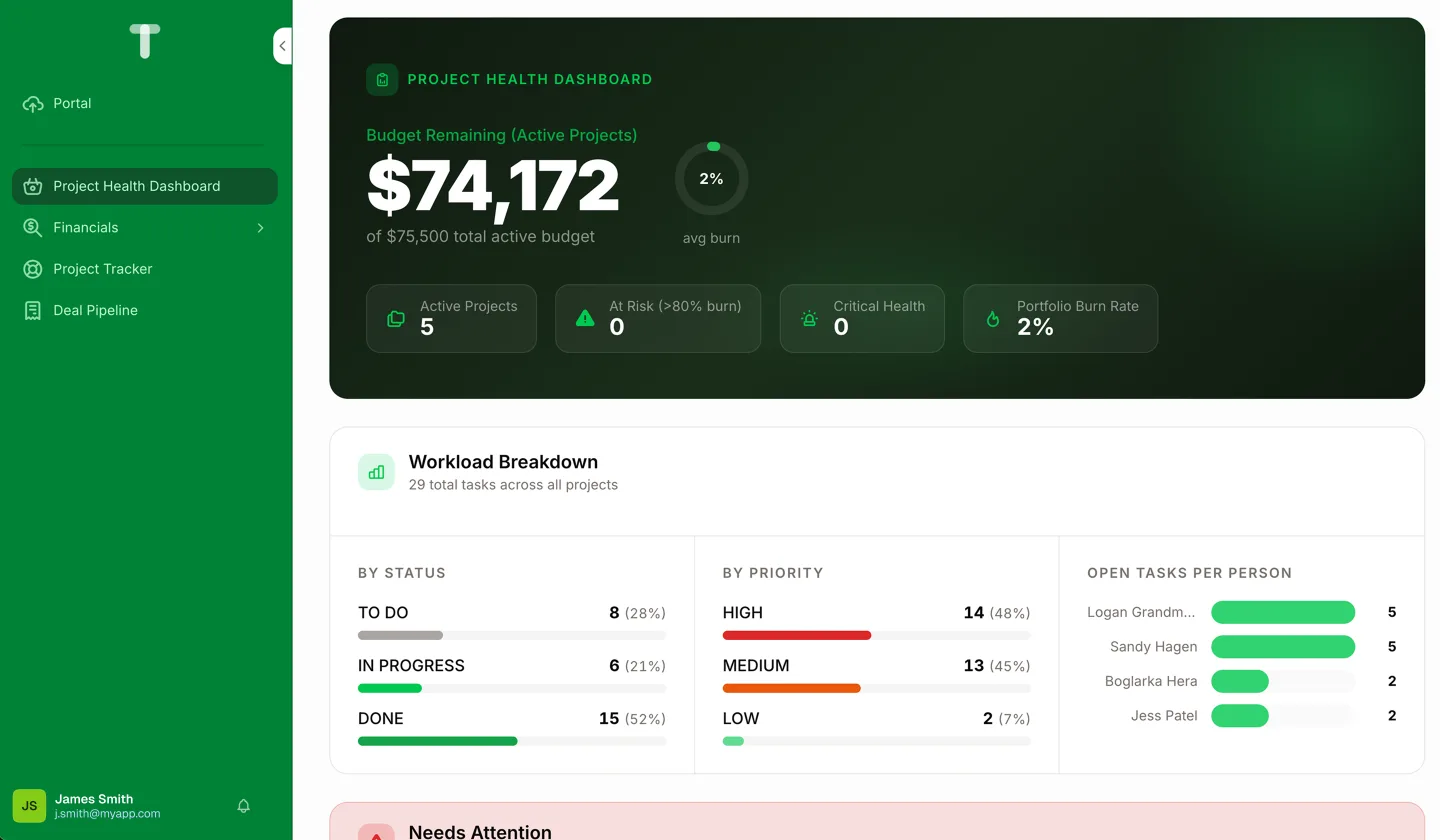
Project Dashboard
"I need a project dashboard showing budget, risks, and milestones at a glance"
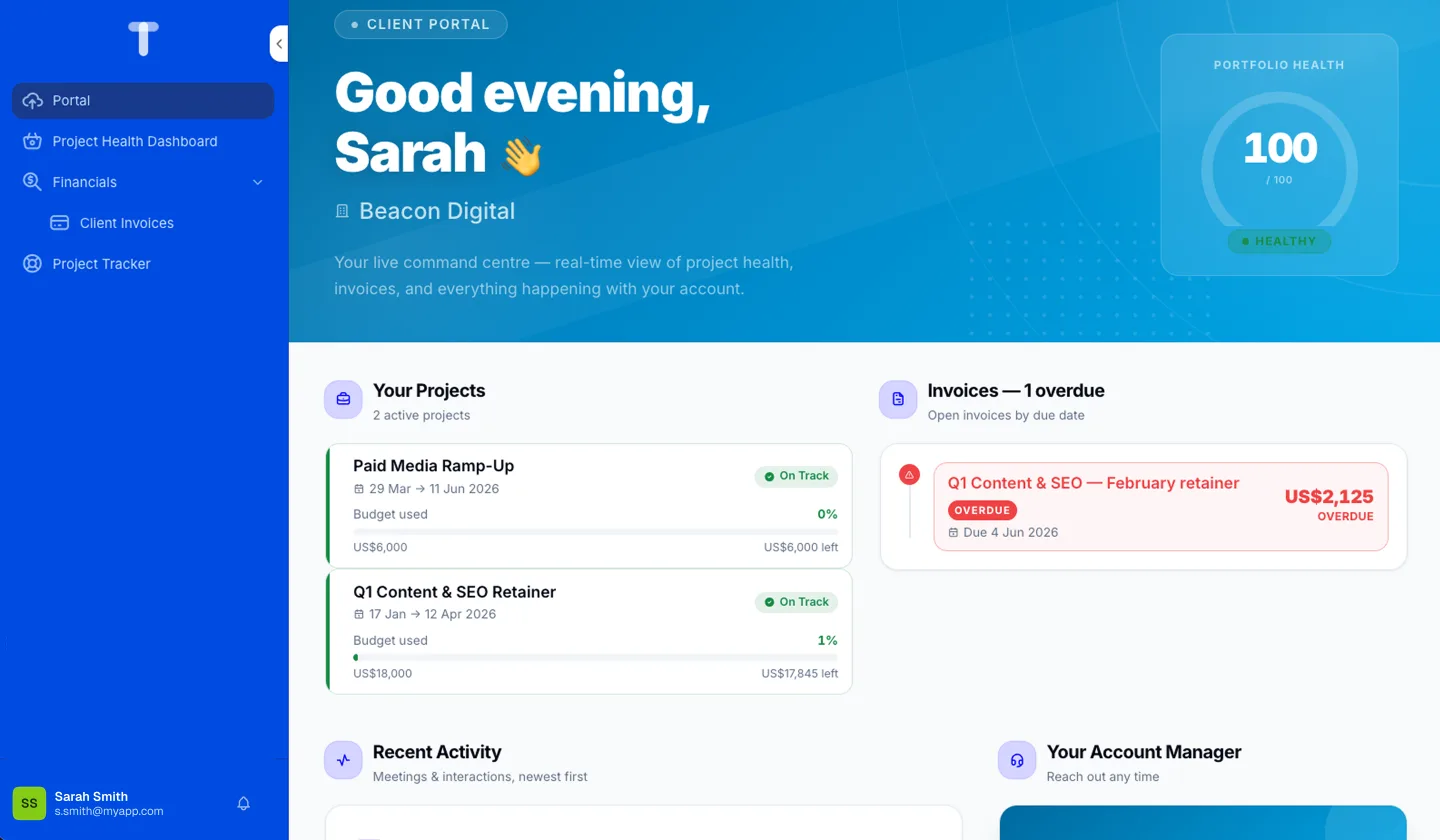
Client Portal
"Build a portal where clients can see project status and invoices, and a quick way to message their account manager"
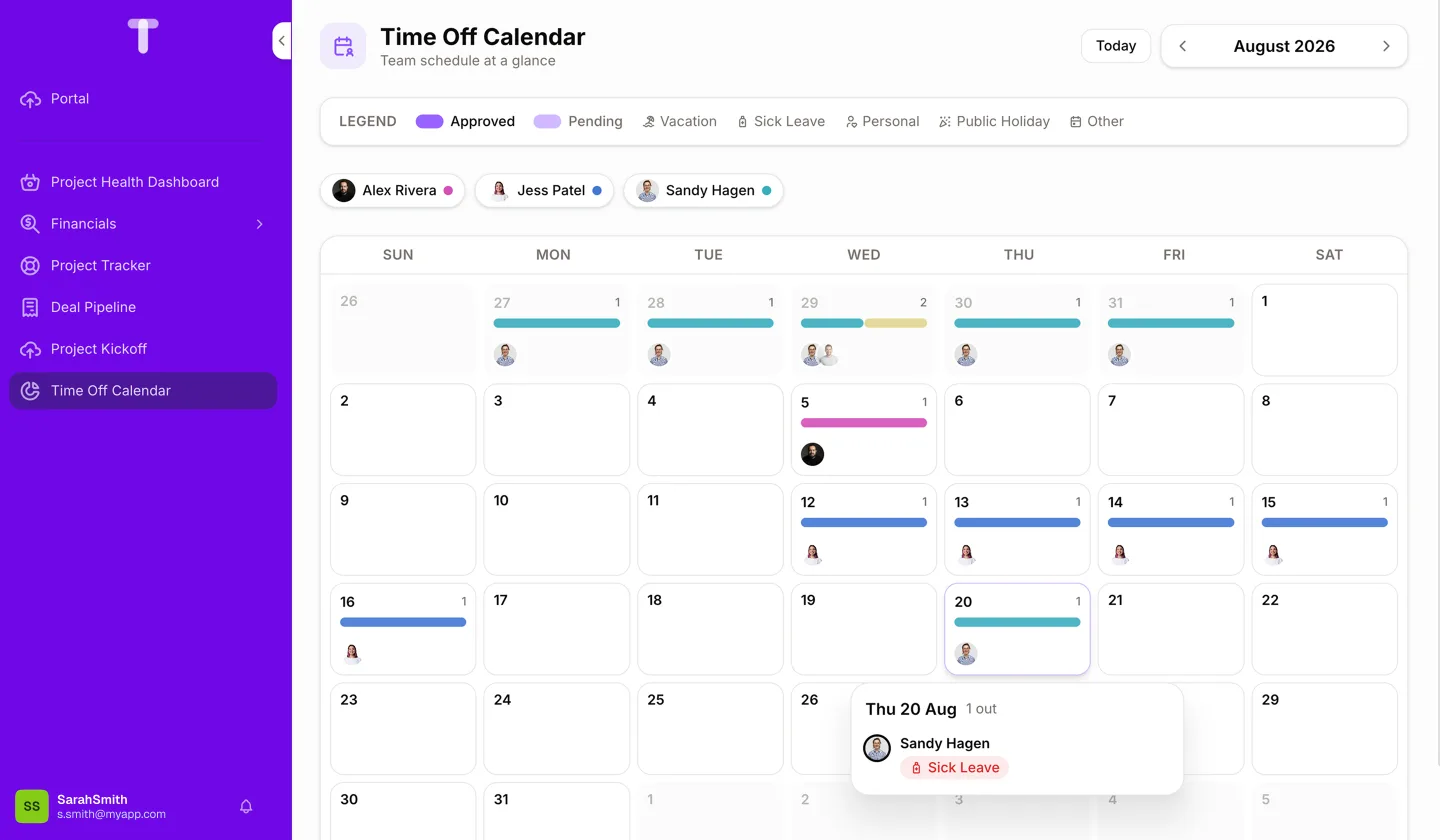
Team Time-Off Calendar
"I need a calendar showing vacation, sick leave, and public holidays for the whole team"
Isn't this just vibe-coding?
Anyone can generate an app with AI. Making it hold up for a real business (permissions, data, workflows, year after year) is the hard part. That's what Canvas is built for.
Doesn't break in production
Vibe-coded apps look great in a demo. What Canvas builds is meant to run your business, not just impress a room.
Nothing to reconnect
It's built directly on the data, permissions, and workflows already running in your app, with no separate setup.
Isolated by design
If one Canvas has an issue, it's contained. Your app, and everything else you've built, keeps working.
Built on what already runs your business
Because Canvas builds inside your existing app, everything works just as you'd expect. Same data, same permissions, same workflows: nothing to reconnect, nothing to rebuild.
Granular user permissions
Two-Factor Authentication
ISO 27001 certified
EU Data Storage
See Canvas in action
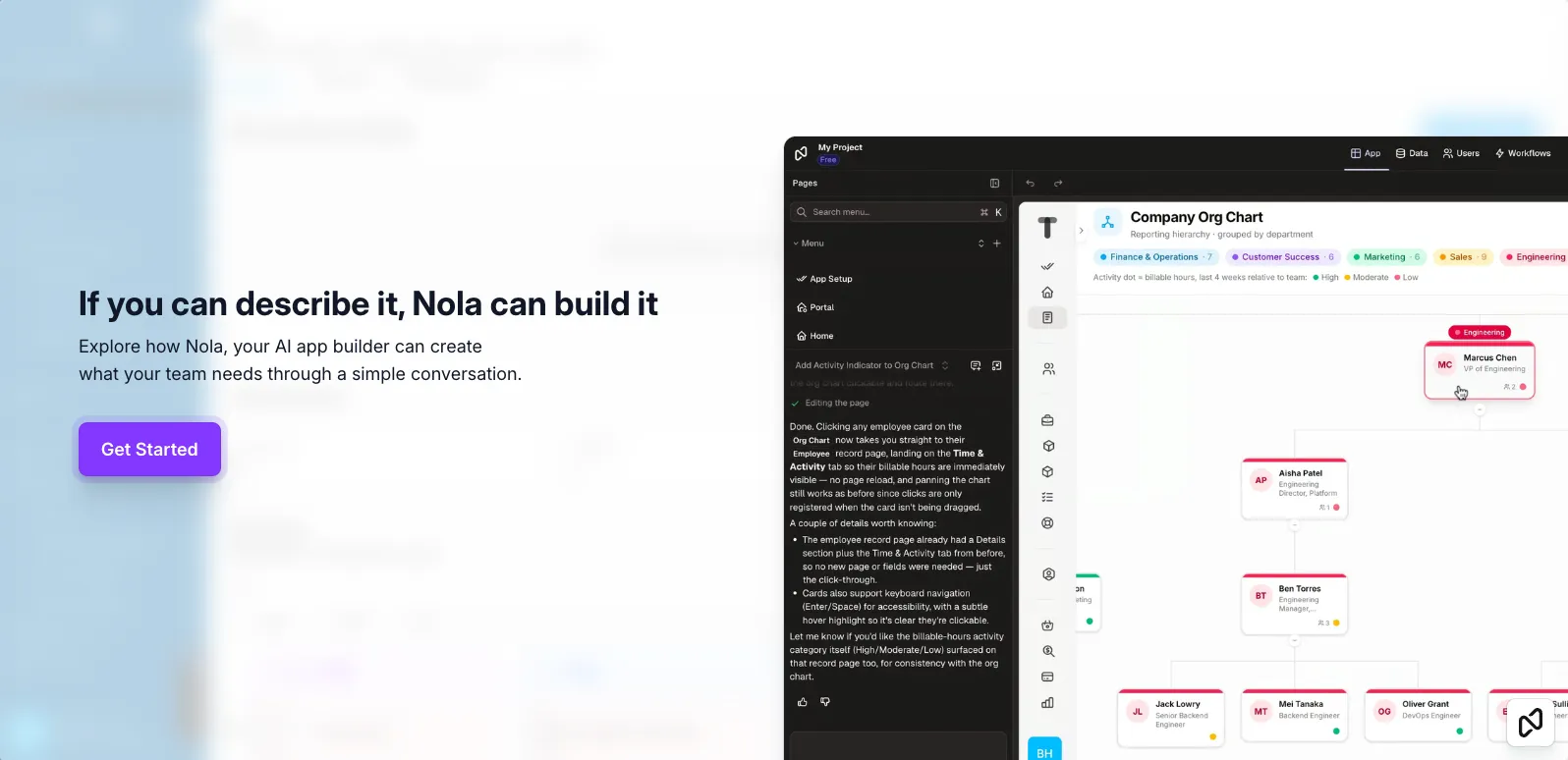 Play video: Nola Canvas Demo Tour - Org Chart
Your most common questions, answered
What is Canvas?
Canvas is Nola's newest capability. Go beyond the rigid layouts: describe the workspace, portal, or dashboard your team needs and Nola builds it as a Canvas — using your existing data, permissions, and app structure. No code, no configuration, just conversation.
How do I create a Canvas?
Open the Nola chat in your app, describe what you need, and she'll build it. Be as specific as you want — the more detail you give her, the closer the result. You can then refine it through conversation until it's exactly right.
What can I build with Canvas?
Custom systems like client portals, dashboards, and workspaces, built on your app's existing data and structure.
What can't Canvas do yet?
A few advanced views (like Kanban or Timeline boards) aren't generated by Canvas yet — but everything else in your app still works alongside what Canvas creates.
Can I make changes to a Canvas after Nola builds it?
Yes — just tell Nola what to adjust through conversation. "Show overdue projects first", "add a budget summary", "group by consultant" — she updates the Canvas and you keep refining until it's right. She can also add new permissions, or create workflows to automate your processes.
Does it use my existing data?
Yes! Canvas builds on the data, permissions, and structure already in your app. Nothing needs to be rebuilt or reconnected.
What happens if something goes wrong?
Each thing Canvas builds is isolated, so if one has an issue, it won't affect the rest of your app. You can just ask Nola to fix it.
Is Canvas available on my plan?
Yes! Canvas is available on every plan, powered by a credit-based system. Your plan includes a set allowance, and you can always add more if you need it.
Do I need to know how to code?
No. You describe what you want in plain language, and Nola handles everything else.
A new way to build in Noloco
See how far you can go with a single prompt.
No credit card required