EnterprisePricing

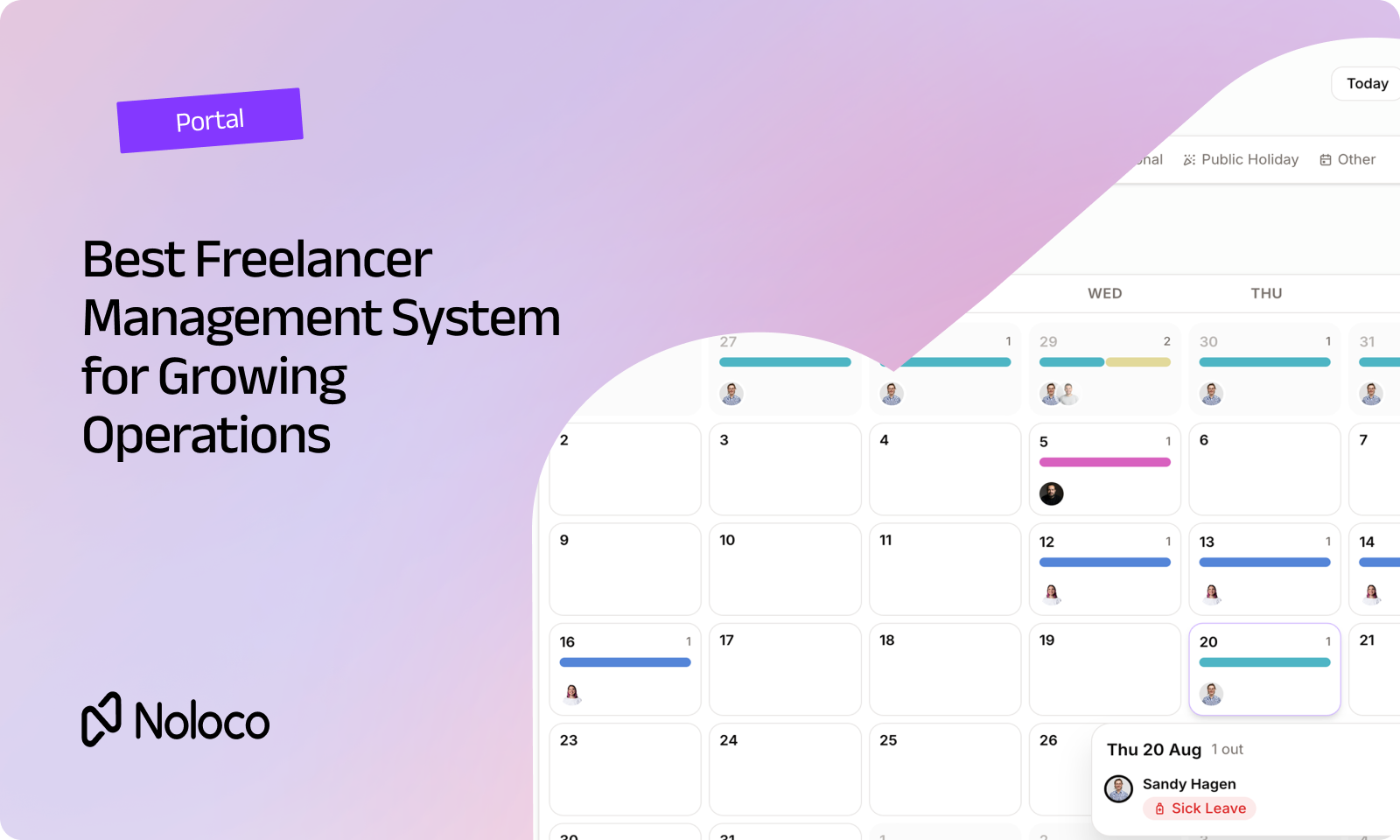
Your operations team just brought on a dozen freelancers for next quarter. Payroll can handle paying them. But where do they see their assigned jobs? Where do they upload completed work? And how do you make sure each freelancer only sees the information they actually need?
That’s where a freelancer management system comes in.
The right system should do more than handle onboarding, contracts, or payments. It should give freelancers a secure place to access their work, while giving your team control over what they can see and do. And if your business already uses a client portal or internal operations tool, there’s another question worth asking: do you really need another system just for freelancers?
TL;DR
- A freelancer management system should help you onboard freelancers, control their access, and give them a place to actually do their work.
- More than one in four US knowledge workers, 28%, now freelance or work independently, according to Upwork’s 2025 Future Workforce Index.
- Many freelancer management platforms focus primarily on onboarding, classification, compliance, and payments. Depending on your needs, you may still need separate tools for client and internal work.
- With Noloco, freelancers, clients, and internal teams can work in the same system, with role-based permissions controlling what each person can access.
- When comparing freelancer management software, look beyond payments and onboarding. Consider permissions, workflows, integrations, and whether freelancers can work alongside your clients and internal team. Get inspired by how a remote digital agency built up their own.
What is a freelancer management system?
A freelancer management system is software that helps businesses manage freelancers and contractors throughout their working relationship.
Depending on the platform, that can include:
- Freelancer onboarding
- Contracts and documentation
- Worker classification
- Payments and invoicing
- Task and project management
- Access permissions
- Forms and file uploads
- Workflow automation
- Reporting and records
The important distinction is between managing freelancers and giving them somewhere to work.
A freelancer might be onboarded and paid perfectly, but still need to email your team for their next assignment, search through Slack for a document, or log into another project management tool to update a task.
For growing operations, that can quickly become messy.
A useful freelancer management system should connect the administrative side of working with freelancers to the actual work they need to complete.
How do the leading freelancer management systems compare?
There’s no single freelancer management platform that fits every business. Some platforms are designed primarily around contractor onboarding, compliance, and payments. Others can become the place where contractors actually access and complete their work.
Here’s how a few well-known options compare:
The key question isn't necessarily which platform has the longest feature list. It's where your freelancers actually need to work.
If you primarily need help with contractor onboarding, compliance, classification, and payments, a dedicated contractor management platform may make sense.
But if freelancers need to access jobs, update records, submit forms, upload files, and collaborate with clients and your internal team, you may want those workflows to live in the same system.
One system for freelancers, clients, and your team
With Noloco, freelancer access can live alongside your client portal, team intranet, or back office app. As Taelon from It Just So Happens digital agency explains it, "Those three into the triangle. The clients, all the deals coming in, and your CRM, which then makes the projects to the team to work on, and then you need the people to feed into the projects.”
Everyone works from the same system, while role-based permissions determine what each person can see and do.
That means a freelancer can see their assigned jobs without accessing another freelancer’s records. A client can access their own projects and documents. Your internal team can have the broader visibility they need.
One system, different experiences for different people.
Want to see what that looks like in the real world? See how It Just So Happens uses Noloco to bring clients, projects, and freelancers together in one place.
Where can dedicated freelancer management platforms fall short?
Dedicated freelancer management platforms can be a strong fit when your biggest challenge is managing contractors at scale, particularly around onboarding, compliance, classification, and payments. But that isn't always the whole problem. For a growing operation, there are two other questions worth considering.
1. Where does the actual work happen?
A freelancer might be onboarded in one system, paid through another, and then asked to complete their work somewhere else.
That can mean jumping between your contractor platform, project management software, email, Slack, and a client portal.
When those systems aren't connected, your team ends up spending time moving information between them.
With Noloco, workflows and forms can sit inside the same interface freelancers use to access their work.
A completed job can trigger the next step. A submitted document can be routed to the right person. A freelancer can update a record without needing your team to copy that information into another system.
2. Do you need another system?
A business managing 15–40 freelancers across a handful of projects may have very different needs from a global company managing thousands of contractors across dozens of countries.
Before adding another platform, consider whether you can extend a system you already use to cover freelancer workflows too.
If your client portal, internal tools, and freelancer workflows can all run from the same system, you have fewer places to manage permissions, data, and processes.
What should you check before choosing a freelancer management system?
Before choosing freelancer management software, ask these questions:
The best freelancer management system for your business depends on what you actually need to manage.
If your priority is global contractor compliance and payments, look closely at those capabilities.
If your priority is giving freelancers a controlled place to work alongside your clients and internal team, look at permissions, workflows, data connections, and day-to-day usability too.
If you wanna see a real example, check how Taelon and 'It Just So Happens' digital agency built a freelancer management system and a CRM and a project management system in one portal with Noloco.
"It’s got me out of the trenches. I know so many founders get constantly sucked into working IN the business instead of ON the business. This freelancer management system has given me the ability to do just that" –– Taelon Vorster, founder at 'It Just So Happens' digital agency
Final thoughts
Managing freelancers isn't just about paying them. As your freelance workforce grows, you need a reliable way to onboard people, control access, share information, collect work, and keep processes moving.
Dedicated freelancer management platforms can be useful when contractor compliance, classification, and payments are the main challenge. But if freelancers are part of your day-to-day operations, it can make sense to bring their workflows into the same system your clients and internal team already use.
With Noloco, you can build freelancer workflows alongside your client portal, team intranet, and back office app, using the same role-based permission system. That gives your team one place to manage the operation, while each person gets the access they actually need.
FAQ
What is a freelancer management system?
A freelancer management system is software that helps businesses manage freelancers and contractors throughout their working relationship. Depending on the platform, this can include onboarding, contracts, classification, payments, task management, permissions, workflows, and reporting.
What's the difference between a freelancer management system and an employer of record (EOR) platform?
An EOR platform, such as Deel, typically focuses on employing or paying workers across countries and handling associated tax and compliance requirements.
A freelancer management system covers a broader range of contractor workflows, which can include onboarding, access management, task or project visibility, and day-to-day work.
Do I need a dedicated freelancer management system, or can I manage contractors in my existing tools?
It depends on your needs and the number of contractors you work with.
A small number of freelancers can often be managed through existing tools if you have clear processes and permissions. As your contractor workforce grows, a dedicated system or a more structured workflow can make onboarding, access control, and day-to-day management easier to manage.
What's the risk of not having a system for freelancer access?
Without clear processes and permissions, contractors may end up with access to more information than they need, while your team may struggle to keep track of who has access to what.
There can also be compliance and classification risks. ITV, for example, disclosed £61 million set aside for potential tax liability related to the classification of freelance contributors under UK IR35 rules in its 2024 annual report.
Can freelancers and clients use the same portal?
Yes. If your system supports role-based permissions, freelancers and clients can use the same portal while seeing different information.
For example, a freelancer could see their assigned jobs and submit completed work, while a client sees their projects and documents. Your internal team can have broader access. See how the online agency It Just So Happens handles it in the real life.
Does a freelancer management system replace my project management tool?
Not necessarily.
Some businesses use a dedicated freelancer management platform for onboarding, compliance, and payments while keeping project management elsewhere; while others prefer to bring freelancer workflows into the same system used by their clients and internal team. Which approach makes sense depends on how your operation is structured and what freelancers need to access.
Related resources
- Permissions
- Workflows
- Client portal
- Airtable and Noloco
- How an Awarded Digital Agency Built a Freelancer Management System Around the Way They Work
Ready to bring freelancer workflows into the same system as your clients and team? Get started now.
Author



Our recent posts
Explore all blog posts


Your most common
questions—answered!
Who is Noloco best suited to?
+
-
Noloco is perfect for small to medium-sized service businesses like consultancies, agencies, advisory firms, as well as engineering and industrial services such as energy, construction, or any other operations-focused fields.
Do I need tech experience to use the platform?
+
-
Not at all! Noloco is designed especially for non-tech teams. Simply build your custom system using a drag-and-drop interface. No developers needed!
Is my data secure?
+
-
Absolutely! Security is very important to us. Our access control features let you limit who can see certain data, so only the right people can access sensitive information
Do you offer customer support?
+
-
Yes! We provide customer support through various channels—like chat, email, and help articles—to assist you in any way we can.
My business is growing fast—can Noloco keep up?
+
-
Definitely! Noloco makes it easy to tweak your system as your business grows, adapting to your changing workflows and needs.
Is there any training or support available to help my team get up to speed?
+
-
Yes! We offer tutorials, guides, and AI assistance to help you and your team learn how to use Noloco quickly.
Can I make changes to my app after it’s been created?
+
-
Of course! You can adjust your app whenever needed. Add new features, redesign the layout, or make any other changes you need—you’re in full control.
Ready to boost
your business?
Build your custom tool with Noloco