EnterprisePricing

%20Blog%20-%20Best%20Zoho%20CRM%20Alternatives%20for%20service%20businesses.png)
You signed up for Zoho CRM because it looked customizable enough. Six months later, you're spending more time fighting the tool than running your pipeline. Modules don't map to how your team actually tracks work, the client-facing bits feel bolted together, and every time you want to add a field or change a workflow, someone needs to dig through a settings menu that was clearly designed for a different kind of business.
This is the moment most growing service firms start shopping around.
But after speaking with hundreds of service businesses evaluating CRM, client portal, and operations software, we've noticed something interesting:
What if the problem isn't your CRM at all?
Many businesses that start by looking for a better CRM eventually realize they need something bigger: a system that connects client management, project delivery, reporting, and client collaboration in one place.
The good news: you don't need another rigid CRM. You just need to decided whether you're replacing your CRM or solving a bigger operational problem.
This article ranks the leading no-code Zoho CRM alternatives for teams that want to build a custom CRM on top of their existing data sources (Airtable, Google Sheets, or a proper database). Whether you need a more flexible CRM or you're ready to move beyond CRM software altogether and build an operating system around your business, we'll help you find the right fit.
TL;DR
- Zoho CRM works for generic sales teams. It can get frustrating fast when your firm has non-standard pipelines, client portals, or complex project-linked deals.
- The best no-code CRM alternatives let you build on top of your existing data (Airtable, Google Sheets, SQL) rather than migrating everything into a new system.
- The tools covered are: Airtable, Softr, Stacker, Knack, Glide, and Noloco.
- If you run a B2B service firm and need a CRM that connects to project delivery and client access, Noloco is the only option on this list built specifically for that use case.
- The right choice depends on where your data already lives and how much client collaboration you need.
Why do growing service businesses outgrow Zoho CRM?
At Noloco, we've spoken with hundreds of service businesses evaluating CRM, client portal, and operations software. While every company is different, the reasons teams start looking for Zoho CRM alternatives are surprisingly consistent.
The businesses we work with rarely leave Zoho because it can't manage contacts or opportunities. They leave because the rest of the business has outgrown the system around it.
The most common reasons service businesses start looking for Zoho CRM alternatives include:
- Client information lives in one system while project delivery lives in another
- Reporting requires pulling data from multiple tools and spreadsheets
- Clients can't securely log in to see project status, documents, or updates
- Custom workflows become difficult to maintain as the business grows
- The CRM reflects how the software works, not how the business operates
- Teams spend more time managing tools than serving clients
For many consultancies, agencies, accounting firms, legal practices, and other service businesses, the challenge isn't managing deals, but everything that happens after the deal is won.
That's why many growing firms eventually move beyond traditional CRM software and start looking for a more complete operating system for client delivery and operations.
What makes a no-code CRM worth switching to?
Before getting into specific tools, it's worth agreeing on what "better than Zoho" actually means for a growing service firm.
Zoho CRM is built for sales teams with standard contact-to-deal pipelines. It covers the basics well. Where it breaks down is when your firm's work doesn't fit that mold: retainer clients with ongoing delivery, projects tied to deals, multiple stakeholders per account, or client-facing status views that need to look professional.
A no-code CRM alternative is worth the switch if it clears these five bars:
- Connects to your existing data. You shouldn't have to re-enter everything into a new system. The best tools connect to Airtable, Google Sheets, or SQL databases directly.
- Lets you build custom fields, views, and pipelines. Not just pick from a list of templates.
- Supports client-facing access. Your clients should be able to log in and see their status, not receive another PDF.
- Handles role-based permissions. Your team sees everything. Clients see only their data.
- Grows with you past 15 people. Some of these tools hit a ceiling quickly.
According to Capterra's 2024 data, 36% of CRM buyers rank integration with other tools as a key selection criterion, and 45% rank automation capabilities as their most important feature requirement. For service firms evaluating alternatives, both of those requirements matter more than out-of-the-box CRM features.
How do these tools compare at a glance?
Here's the quick summary before we go deeper on each.
What does each tool actually do for a service firm's CRM?
1. Airtable: the database that doubles as a CRM
Airtable is the most popular starting point for teams building a custom CRM without code. You set up a base with contacts, companies, deals, and projects as linked tables. Views let you see the same data as a Kanban pipeline, a calendar, or a grid. It feels like a spreadsheet that actually understands relationships between records.
For teams between 5 and 15 people, Airtable as a CRM works well. You can track deal stages, link contacts to companies, attach documents, and run basic automations. If you're already storing client data in Airtable, you're probably 70% of the way to a functional CRM without realizing it.
The friction shows up when you need to involve clients. Airtable's built-in sharing options expose too much of your internal data if you're not careful. Interfaces (Airtable's native app layer) let you create simpler views, but they require duplicating pages for each client, have limited layout control, and don't support the kind of branded experience that looks professional to an enterprise client.
Best for: Teams already on Airtable who want a structured database and internal pipeline views. Not a good fit if clients need their own logins or if your pipeline differs significantly from a contact-to-deal flow.
2. Softr: template-first builder for teams that want to move fast
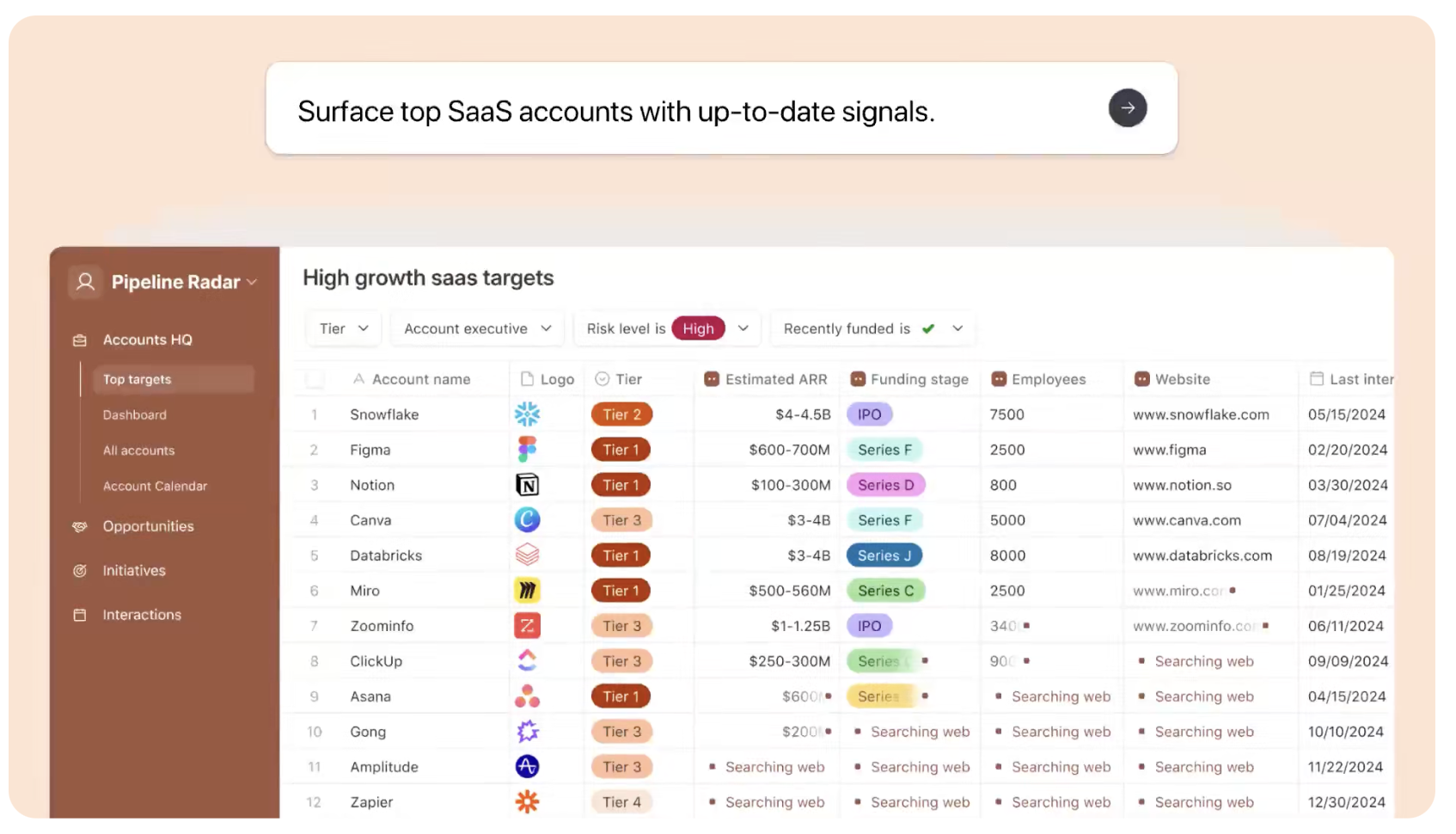
Softr turn your Airtable or Google Sheets into a web app by starting from a template. The setup is quick: connect your data source, choose a template, configure which fields show to which users, and publish. For teams that want a client-facing portal in a day or two, Softr is genuinely fast.
The product is strong for relatively simple use cases: a client login page that shows their project status, a lead tracking portal, or an internal team directory. The visual builder is drag-and-drop, and the templates are polished.
The limitation is depth. Softr pulls data live from your source on every page load, which creates noticeable lag as your dataset grows. The layout system stacks full-width blocks, which works for marketing-style pages but becomes constraining when you want to show, say, three metrics next to a filterable table next to a recent activity feed. Permission management also works page-by-page rather than at the data level, which means security gets harder to maintain as your user list grows.
Best for: Teams who want a clean, polished client portal quickly and have relatively simple data needs. Not ideal for operational dashboards, multi-step workflows, or complex permission structures.
3. Stacker: internal tools and client apps on existing data
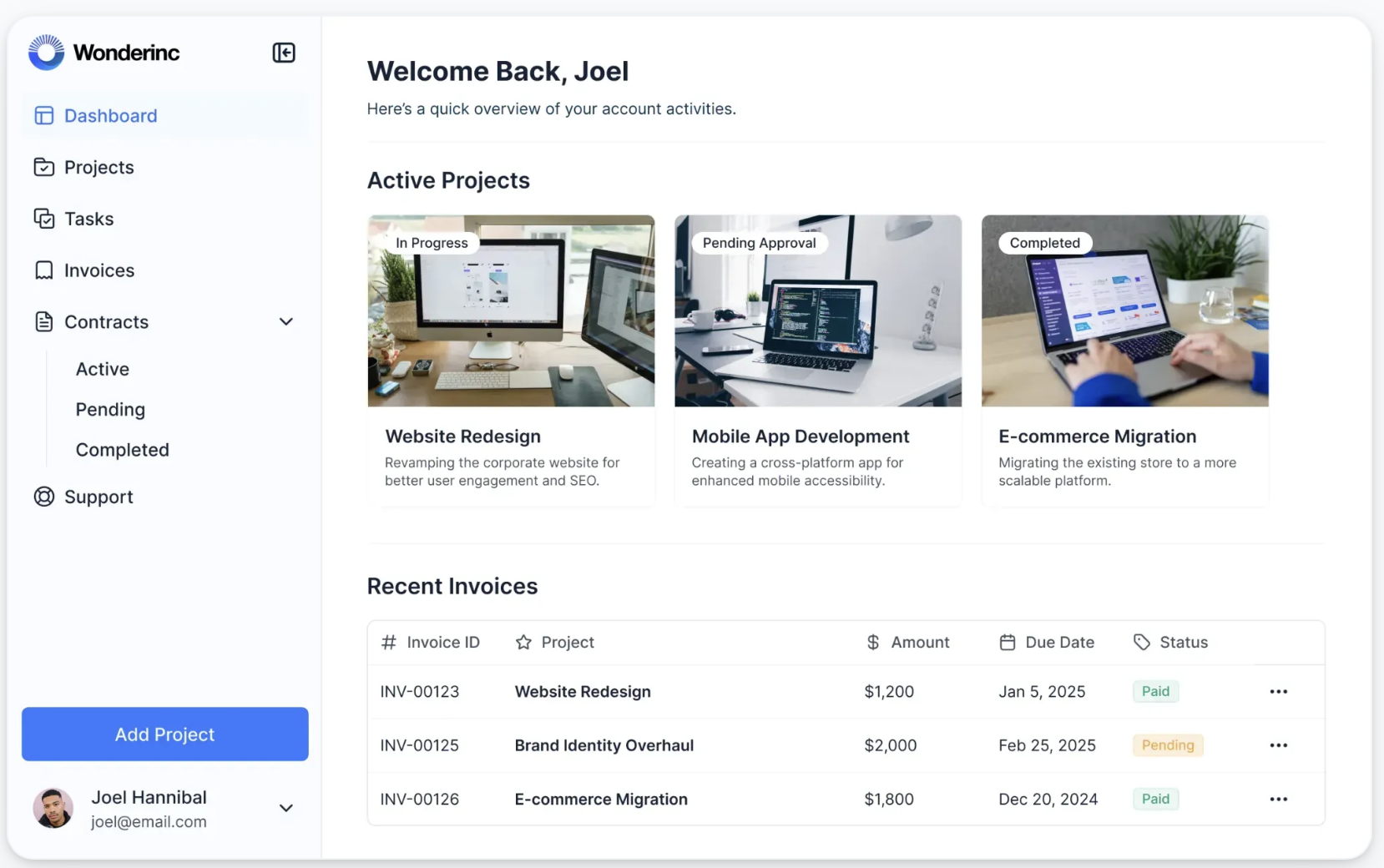
Stacker focuses on turning Airtable or Google Sheets data into functional internal tools and lightweight client apps. If your operations team needs a custom view of your CRM data without touching the Airtable base directly, Stacker is a reasonable fit.
The builder is less visual than Softr but more structured. You define record types, set up list and detail views, and configure user access by role. For an operations manager who wants to give account managers a clean interface to update deal stages without accidentally editing formulas in the base, Stacker solves that problem well.
Where Stacker falls short is the same place Softr does: it works best when your workflows are relatively linear. Complex multi-step automations, client-specific branded experiences, or a system that connects CRM data to project delivery and invoicing all start to feel like workarounds.
Best for: Teams who want a structured internal tool layer over an existing Airtable CRM and don't need heavy client collaboration. Not the right fit for firms that want the client portal and the internal tool to be part of the same system.
4. Knack: database-first, no pre-existing data required
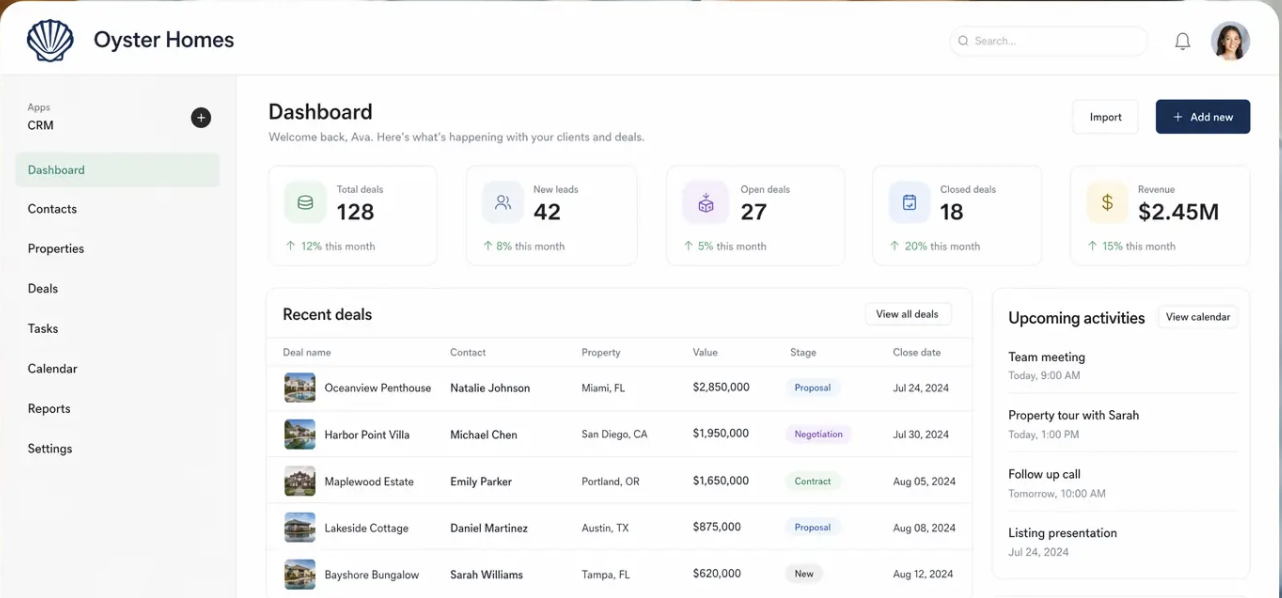
Knack is the most traditional no-code database builder on this list. You build your data structure inside Knack itself, attach forms for data entry, create filtered views, and set up basic workflows. There's no connecting to an external spreadsheet. Everything lives in Knack's own database.
For teams starting from scratch with no existing data layer, this can be an advantage. You're not shoehorning a CRM into Airtable tables that were designed for something else. Knack gives you proper relational data, user authentication, and role-based access out of the box.
The interface is functional but dated. Building something that feels polished requires significant configuration time, and the per-record pricing can add up fast once your CRM grows. Knack is also primarily designed for internal tools, not client-facing experiences, so the client portal use case is limited compared to tools built around it.
Best for: Teams that want to build a proper database-backed CRM from scratch and don't need design flexibility or a polished client experience. Solid for internal operations teams with moderate technical patience.
5. Glide: mobile-first apps on spreadsheet data
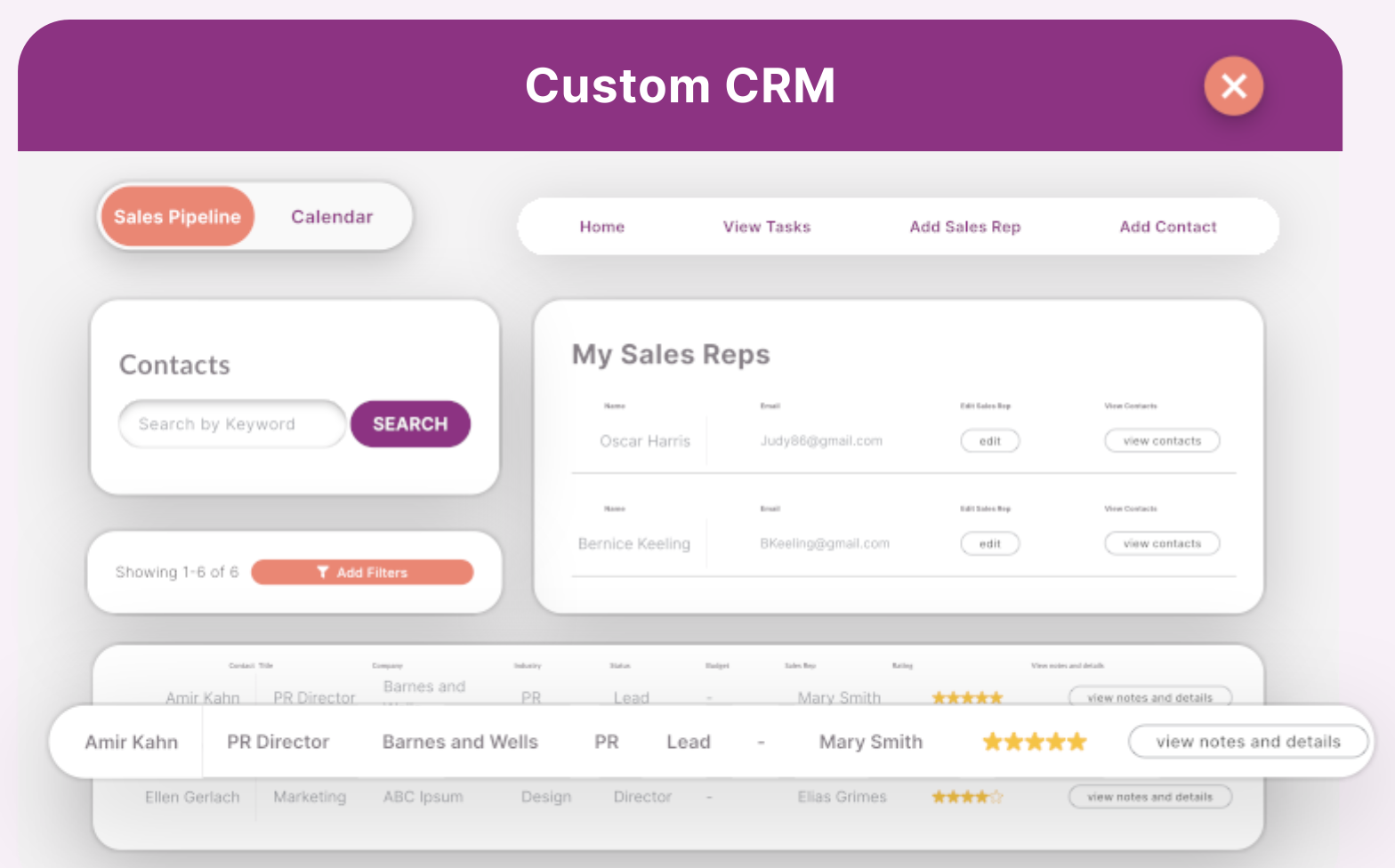
Glide turns Google Sheets, Glide Tables, or Airtable data into mobile-first web apps. The setup is fast, the interface is clean, and for small internal teams that need a mobile-friendly view of their CRM data, it gets the job done quickly.
The appeal is simplicity: you can have a working app in under an hour. For a sales rep who wants to log a call or update a deal stage from their phone, Glide is genuinely good.
The ceiling is low for service firm operations. Glide has limited support for complex relationships between data tables, the backend logic is less capable than competitors, and client-facing use cases quickly run into permission or layout constraints. If you need to show one client their projects, another client their invoices, and your team the full picture, Glide requires a lot of workarounds to get there safely.
Best for: Very small teams (under 10 people) who need a quick mobile-friendly interface on spreadsheet data. Not a good fit for firms that need complex permissions, operational dashboards, or professional client portals.
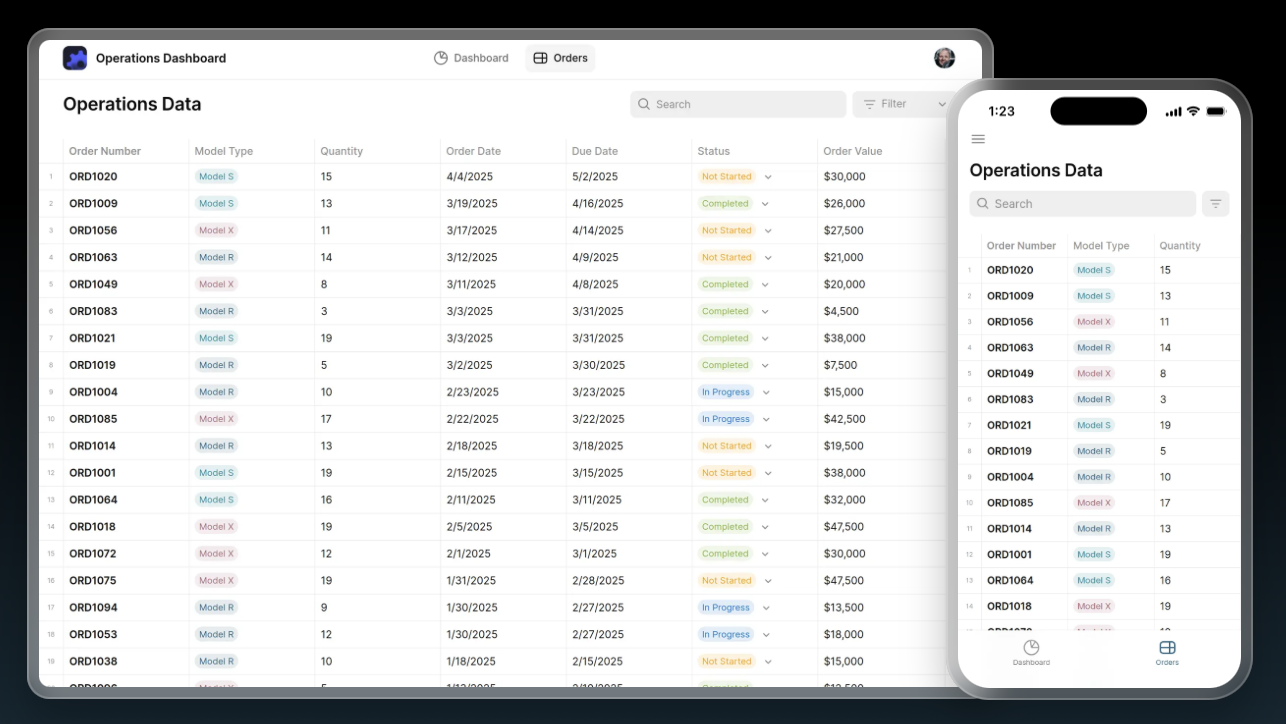
6. Noloco: a CRM built around how service firms actually work
Most Zoho alternatives help you replace your CRM. What if the problem isn't your CRM? The first five tools help you build a better CRM. Noloco also helps you replace the collection of tools that sit around your CRM.
For many service businesses, Zoho is only one part of the problem: Client information lives in the CRM, projects live somewhere else, reporting lives in spreadsheets, client updates happen through email...
As the business grows, teams spend more time stitching systems together than actually using them.
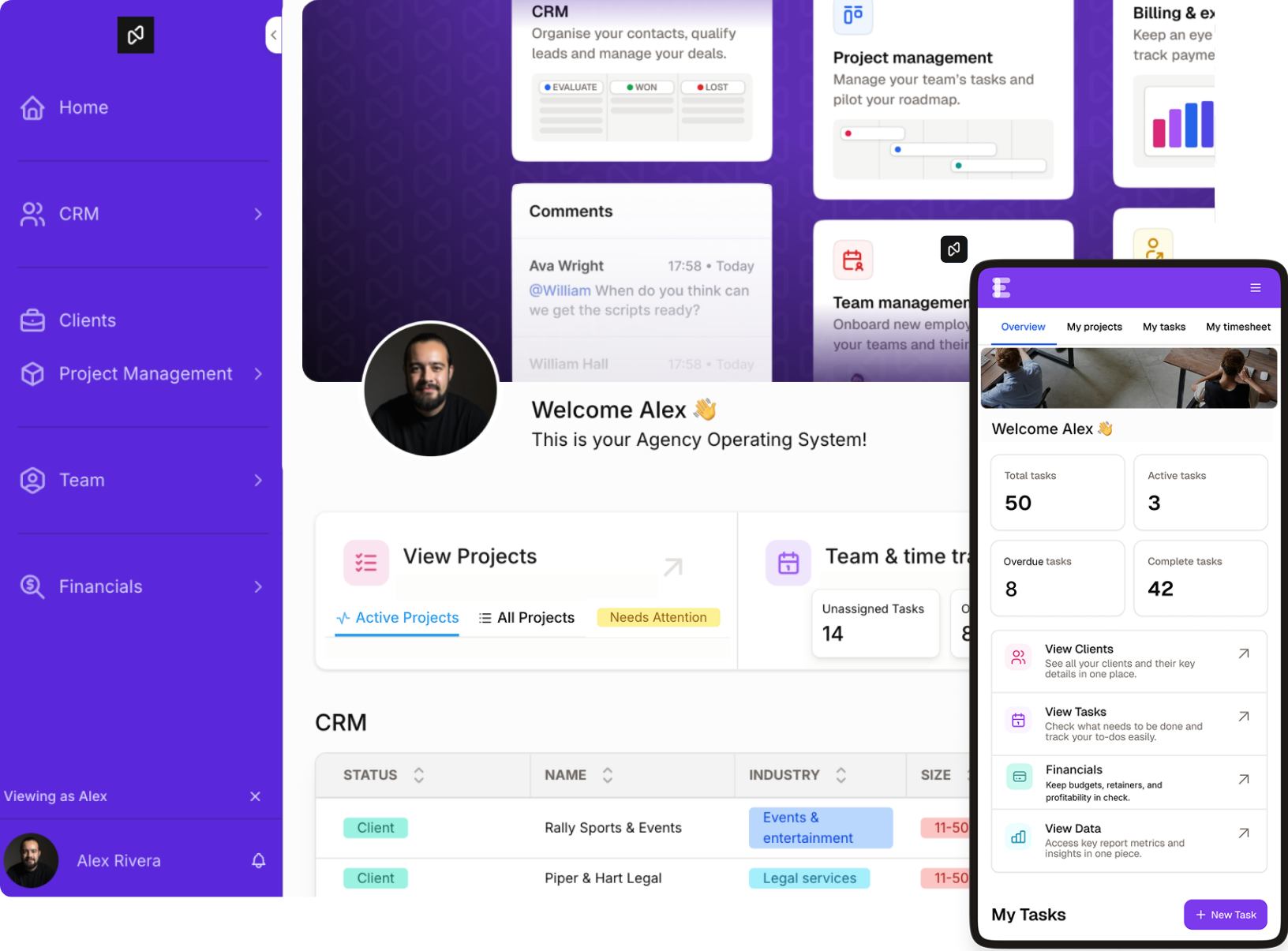
Noloco brings CRM, project delivery, client collaboration, workflows, and reporting into one operating system built around how your business already works. Instead of forcing your team into predefined processes, you shape the system around your own workflows, approvals, and delivery model.
The data layer is flexible: Noloco connects to Airtable, Google Sheets, PostgreSQL, MySQL, and its own native tables. If your CRM data already lives in Airtable, you can keep it there and use Noloco as the interface, permissions, and automation layer on top. If you want to consolidate everything into one place, Noloco Tables handles that too.
Where Noloco separates from everything else on this list is in the combination of client collaboration and operational depth. The client portal is white-labeled and branded: clients log in and see their data, not your internal system. Role-based permissions work at the data level, not the page level, so you set a rule once and it applies everywhere. Pricing is flat per active user, not per seat, which makes client portals affordable as your client list grows.
The interface builder lets you place charts, tables, metrics, and forms side by side on a flexible canvas. A dynamic record page updates for every client automatically, so you build the layout once rather than duplicating it for each account. Workflows handle automations: intake, onboarding triggers, status updates, and notifications.
For a firm that currently runs its pipeline in Airtable and its projects in a separate tool, Noloco is the consolidation step that connects both in one system your team and your clients can access.
Best for: Service teams between 10 and 50 people that want a custom CRM and the option to connect it to project delivery, client-facing portals, and role-based access, without building everything from scratch. Especially relevant if you invite clients into your system, since Noloco's flat active-user pricing means you're not charged per client seat.
How do these tools compare on the features that matter for service firms?
This table compares the specific capabilities that matter most when you're running client delivery alongside a CRM.
Which Zoho CRM alternatives work with Airtable?
Airtable
If your business already uses Airtable, you don't necessarily need to migrate your data to replace Zoho CRM. Several no-code platforms can sit on top of Airtable and turn it into a more complete business system.
The most popular Airtable-compatible Zoho CRM alternatives include:
For businesses that have already invested heavily in Airtable, this can dramatically reduce migration effort while providing better client access, permissions, and workflows.
What should you actually pick, and when?
The right tool depends on two things: where your data already lives, and how much your clients need to interact with it.
If your CRM data is already in Airtable and clients don't need to log in: Stay in Airtable. Build your pipeline views there, use automations, and move on. You don't need another tool.
If your data is in Airtable and you want clients to have their own login: Softr or Stacker get you there faster. Noloco is the better long-term choice if you also want to connect that client view to project delivery or need granular permissions.
If you're starting from scratch and want a proper database-backed system: Knack handles this without requiring an external spreadsheet. Noloco is the better option if you want service-firm defaults and a client portal built in from day one.
If you need a mobile-first internal tool quickly for a small team: Glide. Just understand you'll outgrow it.
If you run a service firm between 10 and 50 people and need CRM, delivery, and client collaboration in one place:Noloco is the only tool on this list built specifically for that combination. Everything else requires assembly.
Why not just build a CRM with AI?
Many teams evaluating Zoho CRM alternatives also look at AI coding tools such as Lovable, Bolt, Claude Code, or ChatGPT.
These tools are excellent for quickly creating prototypes and internal tools. The challenge is that a production system for a growing service business requires much more than screens and forms.
Once clients, contractors, vendors, and team members start logging in, businesses need:
- Secure authentication
- Role-based permissions
- Client data isolation
- Auditability
- Reliable workflows
- Long-term maintainability
This is where many AI-generated applications start to break down.
The issue isn't building version one. The issue is safely evolving the system over the next three years as your team, clients, and processes grow.
For that reason, many service businesses use AI to accelerate specific workflows or custom components while relying on a platform like Noloco to provide the secure operational foundation underneath.
Final thoughts
Most no-code CRM alternatives are built for generic use cases. They give you a blank canvas and enough flexibility to build something that resembles a CRM. For a service firm that needs to connect client records to live projects, give clients a professional login experience, and keep permissions clean as the team grows, the assembly time is significant.
The tools on this list are all legitimate options for specific situations. Airtable if you want flexible data and are comfortable building your own views. Softr or Stacker if you want a client portal on top of existing Airtable data. Knack if you're starting from scratch and want a database-first approach. Glide if mobile-first and simple is enough.
Noloco is the option for firms that have outgrown the assembly approach and want a system that connects their CRM, delivery, and client experience without starting from a blank canvas. It connects to your existing data sources rather than forcing a migration, ships with service-firm defaults so you're not rebuilding the basics, and prices by active users rather than seats so inviting clients doesn't double your bill.
If you're evaluating alternatives to Zoho CRM, the question isn't simply which CRM to choose. It's whether you want a standalone CRM or a system that connects client management, projects delivery, reporting, and client collaboration in one place.
See how service businesses replace Zoho CRM, project management tools, spreadsheets, and client portals with a single operating system built around how they actually work.
See how Noloco works for service firms
FAQ
What is a no-code CRM platform? A no-code CRM platform lets you build and customize a CRM system without writing code. Instead of buying a rigid tool like Zoho or Salesforce and adapting your process to it, you configure the system around your own pipeline, data structure, and client relationships using visual builders and drag-and-drop interfaces.
Can I build a CRM on top of my existing Airtable or Google Sheets data? Yes. Tools like Softr, Stacker, and Noloco connect directly to Airtable or Google Sheets as a data source, meaning your existing records stay where they are. You add an interface, permissions, and automation layer on top rather than migrating everything into a new database.
What is the difference between Softr, Stacker, and Noloco for building a client-facing CRM? All three build on top of Airtable or Google Sheets. Softr is fastest for simple marketing-style portals. Stacker is stronger for internal tool use cases. Noloco is the option when you need both client portals and operational depth: linked delivery records, data-level permissions that apply across the whole system, and service-firm workflows included by default.
Is Zoho CRM good for B2B service firms? Zoho CRM is built for standard contact-to-deal sales pipelines. For B2B service firms with project-linked deals, ongoing retainer clients, and complex permission needs, it tends to require significant customization before it fits the actual workflow. Most firms that leave Zoho report that the customization work never quite gets them there.
What does "database and spreadsheet integration" mean for a no-code CRM? It means the CRM connects to data you already have, whether that's a Google Sheet tracking your pipeline, an Airtable base with client records, or a PostgreSQL database. Rather than re-entering everything into a new system, the tool reads your existing data directly and builds a CRM interface on top of it.
How is Noloco priced differently from other no-code CRM tools? Most tools on this list charge per seat, meaning every client login adds to your bill. Noloco uses flat active-user pricing, so you can invite clients into their portal without a per-head cost scaling against you. For firms with 20 or more clients, this typically makes a significant difference in the monthly total.
Related resources
- What is an agency operating system? (And why your firm probably needs one)
- How to build a client portal without code
- Noloco vs Airtable Interfaces: what's the difference?
- How service firms use Noloco to replace fragmented CRM stacks
- Noloco permissions: how role-based access works
Author



Our recent posts
Explore all blog posts



Your most common
questions—answered!
Who is Noloco best suited to?
+
-
Noloco is perfect for small to medium-sized service businesses like consultancies, agencies, advisory firms, as well as engineering and industrial services such as energy, construction, or any other operations-focused fields.
Do I need tech experience to use the platform?
+
-
Not at all! Noloco is designed especially for non-tech teams. Simply build your custom system using a drag-and-drop interface. No developers needed!
Is my data secure?
+
-
Absolutely! Security is very important to us. Our access control features let you limit who can see certain data, so only the right people can access sensitive information
Do you offer customer support?
+
-
Yes! We provide customer support through various channels—like chat, email, and help articles—to assist you in any way we can.
My business is growing fast—can Noloco keep up?
+
-
Definitely! Noloco makes it easy to tweak your system as your business grows, adapting to your changing workflows and needs.
Is there any training or support available to help my team get up to speed?
+
-
Yes! We offer tutorials, guides, and AI assistance to help you and your team learn how to use Noloco quickly.
Can I make changes to my app after it’s been created?
+
-
Of course! You can adjust your app whenever needed. Add new features, redesign the layout, or make any other changes you need—you’re in full control.
Ready to boost
your business?
Build your custom tool with Noloco