EnterprisePricing

It usually starts with one broken formula. Someone opens the master client tracker on a Monday morning and a column that's tracked revenue for two years is suddenly full of #REF! errors. Nobody knows who changed it. Nobody has time to fix it before the 10am client call.
That moment repeats itself in agencies everywhere, just with different details. A missing tab. A client who saw a column they shouldn't have. A founder who's the only person who understands how the whole thing fits together.
Spreadsheets aren't a bad tool. They're just the wrong tool once an agency crosses a certain size and complexity. Here are 10 reasons growing agencies move on from them, and what they move to instead.
TL;DR
- Spreadsheets break down at a predictable point: multiple people editing, multiple clients needing visibility, and multiple projects running at once.
- The average company now runs 101 apps, according to Okta's 2025 Businesses at Work report, and spreadsheets are usually just one piece of that sprawl, not a fix for it.
- Knowledge workers lose close to an hour and a half a day switching between tools and deciding which one to use, per Asana's Work Innovation Lab research.
- Internal operations tools solve this by combining data, permissions, and client-facing views in one connected system.
- The fix isn't more spreadsheets or more point tools. It's one system built around how the agency actually delivers work.
1. Why do formulas keep breaking as the sheet grows?
Every added column, hidden row, or copy-pasted formula is a small risk. One person fixes something for their own workflow and breaks a calculation three tabs away. Nobody notices until a report goes out with the wrong number on it.
Spreadsheets were built for individual calculations, not shared operational systems with dozens of interdependent references. The bigger the sheet, the more fragile it gets.
2. Why does everything depend on one person to keep it running?
Most agency spreadsheet systems have an architect: the founder or ops lead who built the formulas, knows which tab feeds which report, and quietly patches things when they break. If that person goes on leave, the system's institutional knowledge goes with them.
This is founder dependency, and it's one of the clearest signs an agency has outgrown its tools rather than its team.
3. Why can't clients get real visibility without a separate report?
Clients increasingly expect to see project status themselves, not wait for a weekly email update. Spreadsheets can't safely give that. Sharing a live sheet with a client risks exposing internal notes, other clients' data, or formulas they were never meant to see.
So agencies build a second, simplified version just for clients, which means double the maintenance for the same information.
4. Why do multiple versions of the same file cause costly mistakes?
"Client_Tracker_FINAL_v3_updated.xlsx" is a familiar joke because it's a familiar problem. Once a spreadsheet gets emailed, downloaded, or duplicated across a team, there's no single source of truth left. Someone works from a stale copy and makes a decision based on numbers that were already wrong.
5. Why does reporting take a full afternoon instead of a few clicks?
Pulling together a monthly client or leadership report from scattered tabs means copying data, checking it hasn't shifted, reformatting it, and hoping nothing was missed. That's hours spent assembling information instead of acting on it.
6. Why do permissions get harder to manage as the team grows?
Spreadsheet sharing is mostly all-or-nothing. Someone can see the tab or they can't, and controlling that at a granular, field-by-field level (this client sees their project status but not the margin column) isn't realistic at scale. As headcount grows, so does the risk of the wrong person seeing the wrong data.
7. Why do reminders and follow-ups still happen manually?
Spreadsheets can't send a client a reminder when an approval is overdue or notify a project lead when a deadline is at risk. Someone has to notice, then chase it manually, which means things fall through the cracks exactly when the agency is busiest.
8. Why does the tool stack keep growing instead of shrinking?
Spreadsheets rarely replace other tools. They usually sit alongside a project management app, a separate CRM, invoicing software, and a handful of point solutions bolted on to cover gaps. The average company now uses 101 apps, according to Okta's 2025 Businesses at Work report, and every added tool is another place data can drift out of sync with the spreadsheet that's supposed to be the source of truth.
9. Why does switching between tools eat into billable hours?
Every jump between the spreadsheet, the project tool, the inbox, and the client portal costs focus, not just time. Asana's Work Innovation Lab found that workers lose 57 minutes a day just switching between tools, plus another 30 minutes deciding which tool to use for a given task. For a billable-hours business, that's real revenue leaking out through tab switching.
10. Why does the system stop matching how the agency actually delivers work?
Spreadsheets are generic by design. They don't know what a client engagement, a project milestone, or a delivery workflow actually is; they just hold numbers and text. As an agency's delivery process matures, the gap between "what the spreadsheet can show" and "what the business actually needs to run on" keeps widening.
How do internal operations tools fix this?
An internal operations tool connects the pieces a spreadsheet can only approximate: client records, project data, permissions, and automations, all pulling from one database instead of scattered files. The team gets one place to work. Clients get a branded, permission-controlled view of only what's relevant to them. Nobody's afternoon disappears into manual reporting.
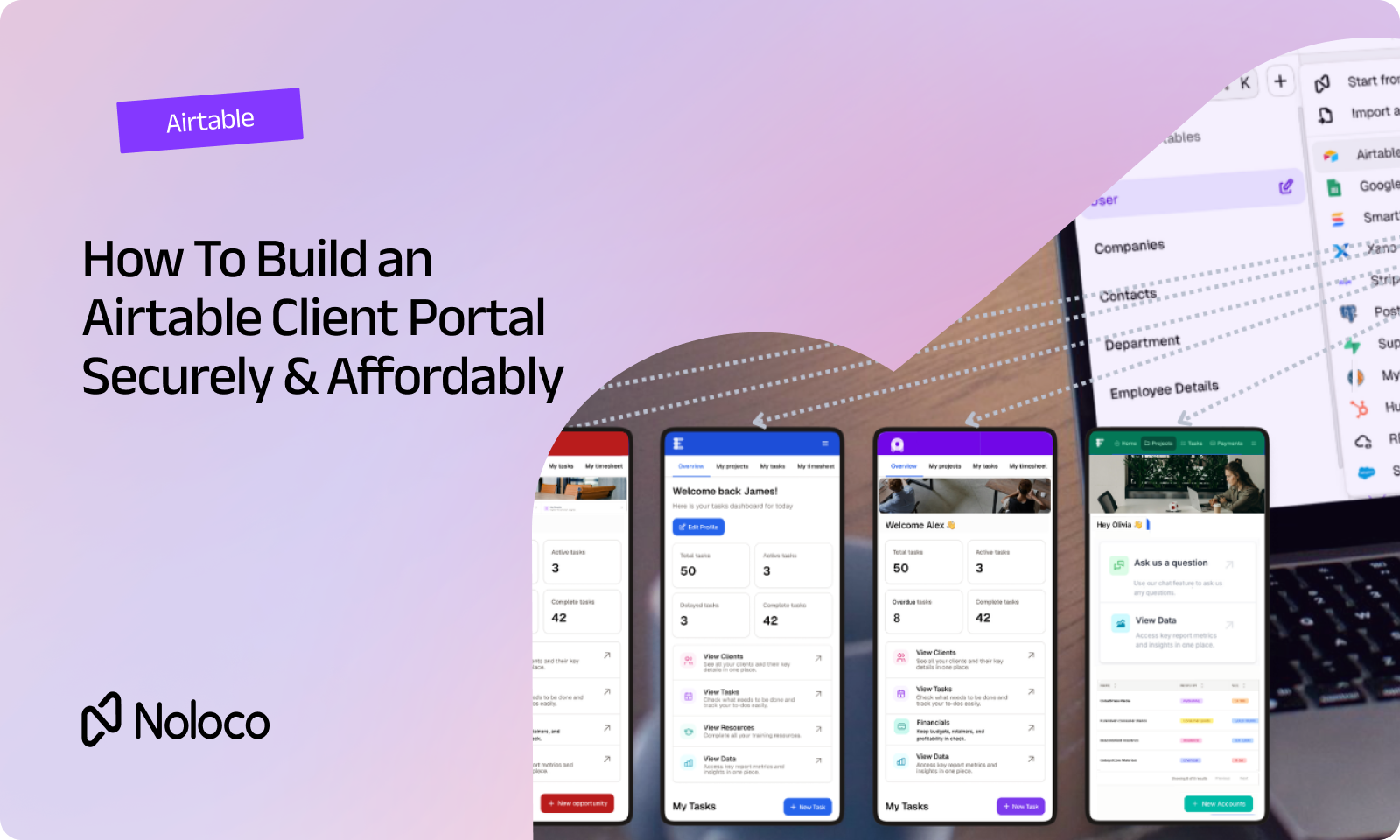
For agencies already running on Airtable, this doesn't mean throwing that data away. Noloco can sit directly on top of an existing Airtable base, adding real interfaces, granular permissions, and client portals without a migration project. For agencies that have outgrown a patchwork of spreadsheets and disconnected tools entirely, it works as the consolidation step: one operating system instead of five separate logins.
How does Noloco compare to other options agencies consider?
Final thoughts
Spreadsheets aren't the enemy. They're just not designed to be an operating system, and agencies that keep asking them to be one end up paying for it in founder time, client trust, and missed details. The agencies that move on aren't abandoning what they built; they're keeping the data and the process logic, and adding the structure, permissions, and client experience a spreadsheet was never built to provide.
FAQ
What's the first sign an agency has outgrown spreadsheets?
Usually it's a near-miss: a formula breaks, a client sees data they shouldn't, or a report goes out with an error nobody caught in time. If that near-miss keeps happening, it's a systems problem, not a one-off mistake.
Do agencies need to give up Airtable or Google Sheets to fix this?
Not necessarily. Some agencies add a front-end layer on top of their existing Airtable base for client-facing views and permissions. Others consolidate into a single system once the spreadsheet stack becomes too fragmented to maintain. Both are valid paths depending on how far the agency has scaled.
How long does it take to move off a spreadsheet-based system?
It depends on complexity, but agency-ready platforms with pre-built templates typically get a firm to first value in days or weeks, not the months a from-scratch build usually takes.
Is a project management tool enough to replace spreadsheets?
Generic project management tools solve internal task tracking but usually don't handle client-facing portals, granular permissions, or financial data well without expensive add-ons. Agencies often end up needing a broader operations system rather than just a PM tool.
What's the difference between an internal operations tool and a PSA platform?
PSA (professional services automation) platforms are typically pre-built around project, resource, and financial tracking with less flexibility. Internal operations tools like Noloco let an agency configure the system around its own delivery process instead of adapting to a fixed structure.
Does moving off spreadsheets require technical or engineering resources?
No. Modern no-code operations platforms are built for teams without in-house developers, using visual builders instead of code.
Related resources
- Why agencies replace spreadsheets with no-code systems
- 7 customizable internal tools for B2B agencies
- Best no-code CRM platforms with database sync in 2026
- CRM vs. project management software
- Consultancy management software
- Professional services operating system, explained
Author



Our recent posts
Explore all blog posts

Your most common
questions—answered!
Who is Noloco best suited to?
+
-
Noloco is perfect for small to medium-sized service businesses like consultancies, agencies, advisory firms, as well as engineering and industrial services such as energy, construction, or any other operations-focused fields.
Do I need tech experience to use the platform?
+
-
Not at all! Noloco is designed especially for non-tech teams. Simply build your custom system using a drag-and-drop interface. No developers needed!
Is my data secure?
+
-
Absolutely! Security is very important to us. Our access control features let you limit who can see certain data, so only the right people can access sensitive information
Do you offer customer support?
+
-
Yes! We provide customer support through various channels—like chat, email, and help articles—to assist you in any way we can.
My business is growing fast—can Noloco keep up?
+
-
Definitely! Noloco makes it easy to tweak your system as your business grows, adapting to your changing workflows and needs.
Is there any training or support available to help my team get up to speed?
+
-
Yes! We offer tutorials, guides, and AI assistance to help you and your team learn how to use Noloco quickly.
Can I make changes to my app after it’s been created?
+
-
Of course! You can adjust your app whenever needed. Add new features, redesign the layout, or make any other changes you need—you’re in full control.
Ready to boost
your business?
Build your custom tool with Noloco