EnterprisePricing

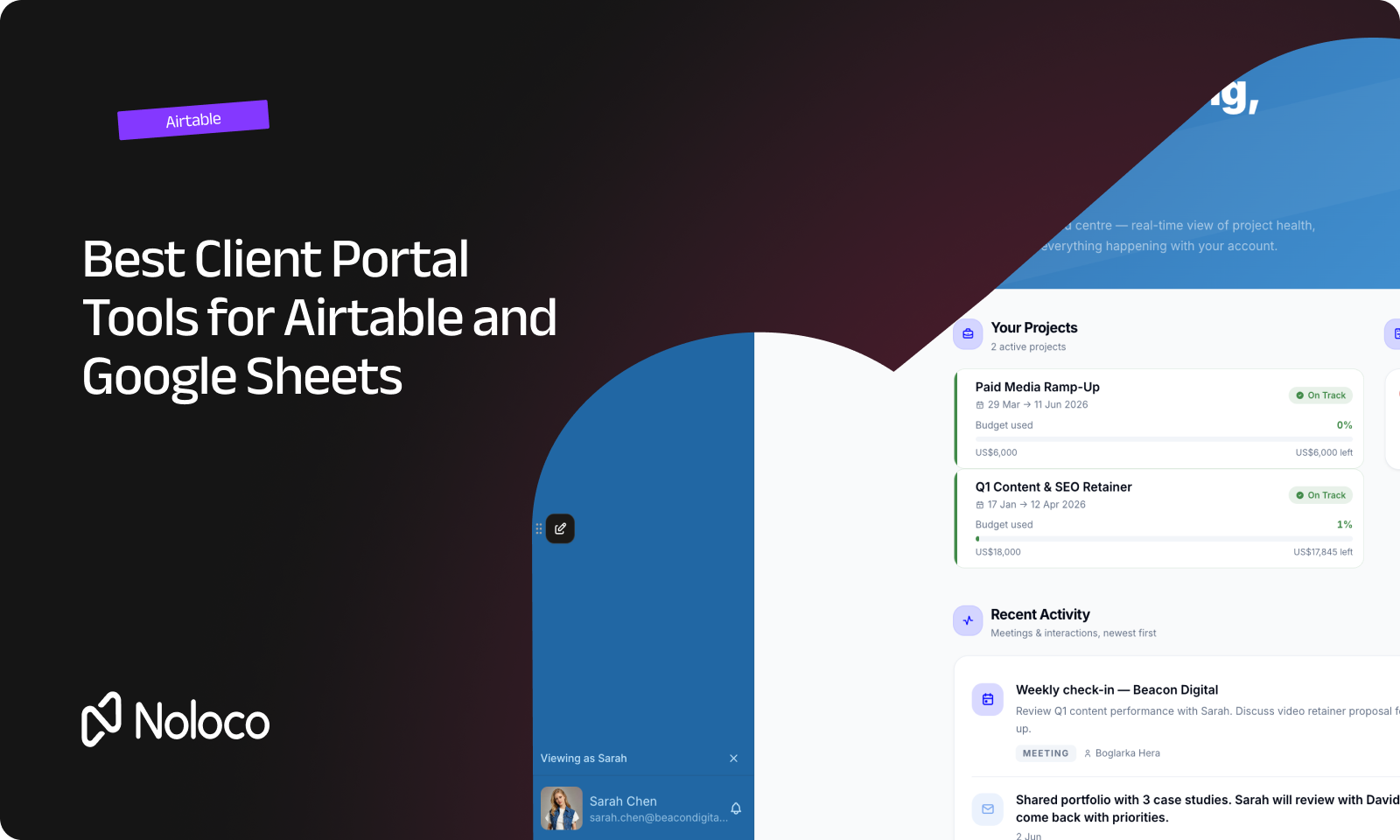
You've already built a good part of your operation in Airtable or Google Sheets. Your team knows where everything is. Projects are tracked, customer information is organized, and the business works. The problem starts when your clients need access.
You don't want to send spreadsheet exports back and forth; you don't want to give clients an Airtable view and hope they don't stumble across information they shouldn't see. And you probably don't want to rebuild everything from scratch just to give customers a login either.
What you need is a way to turn the data you already have into a client-facing system. The question is which tool does that well and what happens when your client portal needs to do more than display your data?
TL;DR
- If your operation already runs on Airtable or Google Sheets, you don't necessarily need to replace your existing data to give clients their own login.
- A good client portal should do more than display your data. Clients should be able to see the right information, submit requests, upload documents, approve work, or check a status without relying on your team for every update.
- The three things worth comparing are how the tool connects to your existing data, how it controls access, and how much of the client experience you can make your own.
- It's also worth looking beyond the connection itself. As your portal grows, you may want your team and clients working from the same system rather than adding another layer on top of your existing tools.
- This guide compares popular client portal tools for Airtable and Google Sheets, including Softr, Pory, WeWeb, SuperOkay, and Noloco.
When a shared view of your data isn't enough
A shared Airtable view or a Google Sheet can be useful when someone just needs to look at information but that's not really a client portal.
A client portal gives each person their own place to log in and interact with the information relevant to them.
For example, a client might be able to:
- See the projects they're paying you to deliver
- Check the current status
- Submit a new request
- Upload a document
- Approve work
- Find information without emailing your team
Meanwhile, your team can continue managing the underlying operation. That's the important distinction: you're not just giving clients a view of your data; you're giving them a way to take part in the work.
What should you look for in an Airtable or Google Sheets client portal?
If you're choosing a portal for an existing operation, five things are worth checking.
1. Does it connect to the data you already have?
If your team has spent months building an Airtable base or spreadsheet, moving everything to a new system is a project in itself.
☑ Check whether the portal connects directly to your existing data, whether changes can move in both directions, and whether the connection continues to work as your data grows.
2. Can you control exactly what each client sees?
This is one of the biggest differences between a client portal and a shared view. You might have 50 clients in the same system, but each should only see their own projects, documents, requests, and other relevant information.
☑ Don't just ask whether a tool has "user roles." Check whether access can be controlled at the individual record level.
3. Can clients actually do something?
A useful portal shouldn't stop at "here's your data."
☑ Look for the actions your clients actually need: submitting requests, uploading files, approving work, updating information, or checking progress.
4. Can it look like your business?
A portal is part of the client experience.
☑ Check whether you can use your own domain, logo, colours, navigation, and page layouts rather than sending customers into something that feels like another company's software.
5. What happens when your operation changes?
Your workflow probably isn't going to stay exactly the same. You may add an approval step, change how requests are handled, introduce contractors, or give a new team role access to certain records.
☑ Choose a tool you can change without having to rebuild the whole thing.
How do the best client portal tools for Airtable and Google Sheets compare?
Several tools can connect existing data to a client-facing portal. They take different approaches, so it's worth looking at what sits behind the client-facing interface, not just how the portal looks.
Note: I recommend you use this table to shortlist a few tools, then test each one with a real workflow and real data before committing.
What happens when your client portal needs to do more than show data?
A client portal often starts with a simple request: "We need clients to see their project status."
Then the requests start: "Can they submit a new request?", "Can they upload the documents?", "Can they approve the quote?", "Can our contractors update the job?", "Can our team manage all of this from the same place?"
At that point, you're not really looking for a better way to display Airtable or Google Sheets; you're building a system around the operation.
That's where it's worth looking beyond the connection itself. The best tool isn't necessarily the one that puts your existing data on a prettier screen. It's the one that lets your team and clients work with that data without creating another pile of spreadsheets, emails, and manual updates.
Noloco: turn your existing data into a system your team and clients can use
Noloco connects to Airtable and Google Sheets, so you can start with the data your team already relies on, but the goal isn't just to put a nicer interface on top of a spreadsheet.
You can use Noloco's AI builder to turn that data into a custom application where clients can log in, see their own projects, submit information, approve work, or track what's happening — while your team manages the same operation from the other side.
Permissions work at the role and record level, so different users can work from the same data without everyone seeing everything. You can also brand the portal with your own domain and keep changing the app as your workflow changes.
That means your client portal doesn't have to stay separate from the rest of the operation: your clients can use it to interact with your business and your team can use the same system to manage the work behind it.
Redrock Entertainment saw another benefit when it moved 100 users off Airtable seats and onto Noloco: a 60% reduction in its annual software bill.
Do you need to move off Airtable or Google Sheets?
Not necessarily. If Airtable or Google Sheets works well for the way your team manages its data, a portal can give clients access without forcing you to start again. The more important question is what happens as the operation grows.
You may start with Airtable as your team's source of data and a portal for clients. Later, you may want to bring more of the workflow into the same application: requests, approvals, project delivery, documents, contractors, or internal processes.
That's when a portal can become more than a customer access layer. Instead of maintaining one system for your team and another for your clients, you can give both sides access to the same underlying operation, with different permissions for different people.
Noloco is designed around that model: one place for your team, clients, and the data they need to work with.
What should you test before giving clients access?
Don't choose a client portal based on a demo alone. Connect it to a real Airtable base or spreadsheet and test a real client workflow.
Start with these questions:
☑ Can one client see only their own records? Create two test clients and make sure neither can access the other's projects or information.
☑ Can clients take the actions they actually need? Try submitting a request, uploading a document, approving something, or updating a record.
☑ Does the data stay in sync? Change a record in your existing data source and check what happens in the portal. Then make a change through the portal and check what happens to the underlying data.
☑ Can you change access without rebuilding the portal? Add another type of user, such as a contractor or account manager, and see how easily you can give them a different level of access.
☑ Can you change the workflow yourself? Add a field, change a page, introduce an approval step, or change what a client sees. You want to know what happens when the business changes, not just when everything stays exactly as it was in the demo.
Final thoughts
If your business already runs on Airtable or Google Sheets, you don't necessarily need to throw that work away just because clients now need access.
The right client portal can give customers their own login, show them the information that's relevant to them, and let them take action without creating more work for your team.
But don't stop at the question of whether a tool connects to Airtable or Google Sheets; look at what you can actually do with the connected data: Can clients work with you through the portal? Can your team manage the same operation? Can you control exactly what different users see? Can you change the system when the workflow changes?
That's the difference between putting a portal on top of your data and building a system your team and clients can actually use.
If you're ready to map out what a client should be able to see and do, get started with Nola, your AI portal builder.
FAQ
What's the difference between sharing an Airtable view and a client portal?
A shared Airtable view gives someone access to a view of your data. A client portal gives each person their own login and lets you control what that specific person can see and do. It can also let clients take actions such as submitting requests, uploading documents, or approving work.
Do I need to migrate off Airtable or Google Sheets to use a client portal?
Not necessarily. Several portal tools can connect to Airtable or Google Sheets, either directly or by syncing the data into the portal's own system. This means your team can often keep working with the data and tools they already use while giving clients a separate experience.
What does "self-service portal" actually mean for clients?
It means a client can get information or take an action themselves instead of asking someone on your team to do it. For example, they might check a project status, submit a request, upload a document, or approve work through their own login.
How do I know if a tool's permissions are actually secure?
Ask how the tool prevents a user from accessing records they shouldn't see, rather than only asking whether those records are hidden in the interface. Ideally, access should be controlled at the data or record level, so the restriction applies wherever that data appears.
Can I customize the branding of a client portal?
It depends on the tool. Some focus on branded templates, while others give you more control over the entire client experience, including your own domain, logo, colours, layouts, and navigation. If clients will use the portal regularly, test the actual experience rather than relying on screenshots.
Can I use a client portal with both Airtable and Google Sheets?
Yes, depending on the tool. Some support both as data sources, while others focus more heavily on one. If your operation uses both, check whether the connections are native, how data moves between systems, and whether you can work with information from both sources in the same client experience.
What should I test before committing to a client portal tool?
Use a real workflow with realistic data. Test whether two clients can only see their own records, whether changes sync as expected, whether clients can complete the actions they need, whether you can change permissions, and whether you can update the portal yourself when your process changes.
Related resources
Author



Our recent posts
Explore all blog posts

Your most common
questions—answered!
Who is Noloco best suited to?
+
-
Noloco is perfect for small to medium-sized service businesses like consultancies, agencies, advisory firms, as well as engineering and industrial services such as energy, construction, or any other operations-focused fields.
Do I need tech experience to use the platform?
+
-
Not at all! Noloco is designed especially for non-tech teams. Simply build your custom system using a drag-and-drop interface. No developers needed!
Is my data secure?
+
-
Absolutely! Security is very important to us. Our access control features let you limit who can see certain data, so only the right people can access sensitive information
Do you offer customer support?
+
-
Yes! We provide customer support through various channels—like chat, email, and help articles—to assist you in any way we can.
My business is growing fast—can Noloco keep up?
+
-
Definitely! Noloco makes it easy to tweak your system as your business grows, adapting to your changing workflows and needs.
Is there any training or support available to help my team get up to speed?
+
-
Yes! We offer tutorials, guides, and AI assistance to help you and your team learn how to use Noloco quickly.
Can I make changes to my app after it’s been created?
+
-
Of course! You can adjust your app whenever needed. Add new features, redesign the layout, or make any other changes you need—you’re in full control.
Ready to boost
your business?
Build your custom tool with Noloco