
We’re kicking off the year with updates designed to help you move faster and build smarter, from a refreshed workspace to easier customization.
A cleaner, redesigned workspace
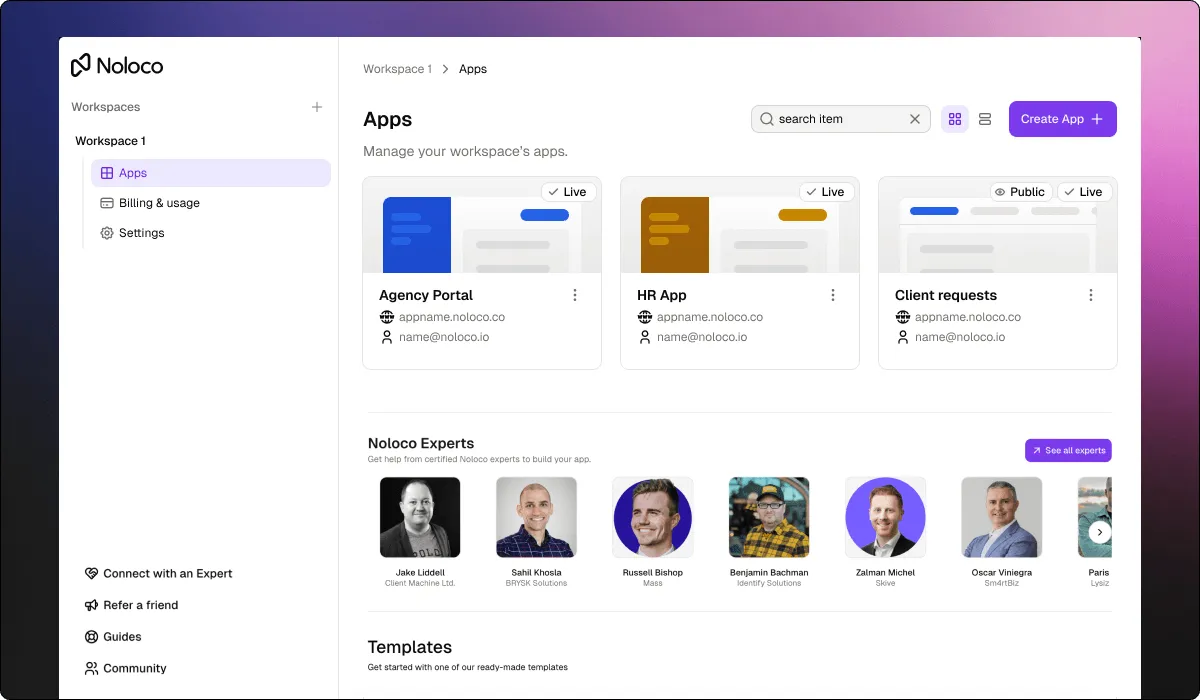
We’ve continued giving your Noloco workspace a makeover, and it now looks and feels more intuitive and functional. The refreshed layout makes it easier to navigate, find what you need, and stay focused while building your apps.
An easier way to customize your app
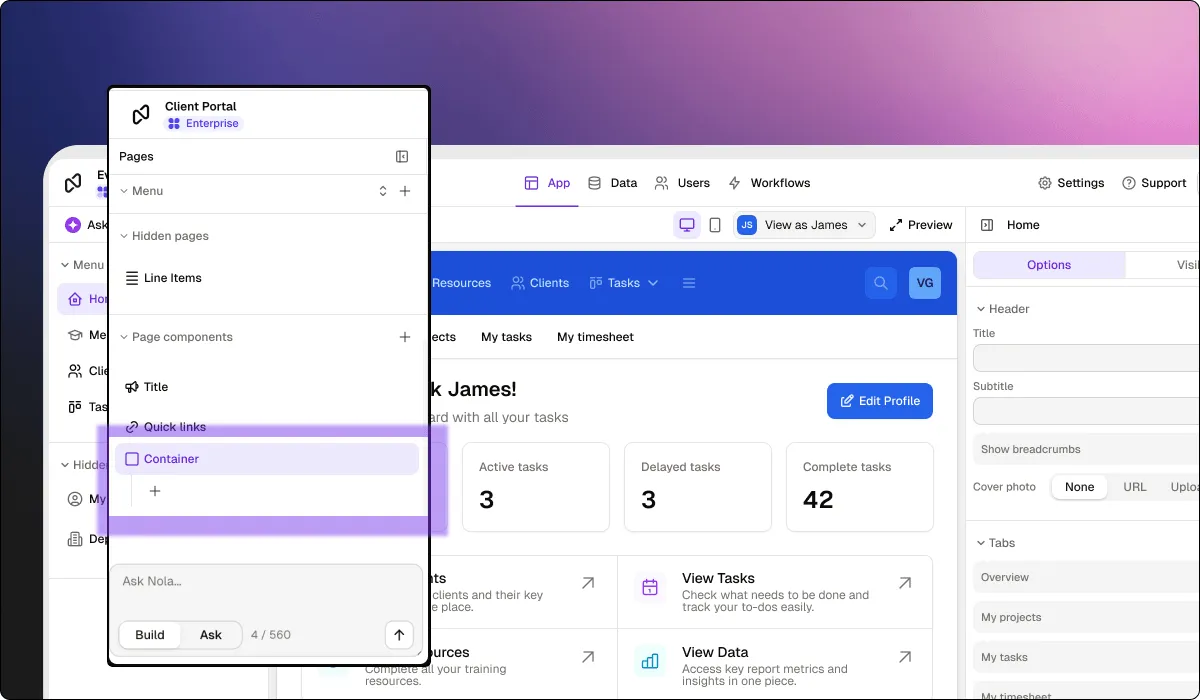
This update comes straight from community feedback. You asked for an easier way to customize your apps, and we listened: building and customizing containers is now easier and faster.
You can manage containers directly from the sidebar with simple drag and drop, so adjusting layouts and structure feels more natural and more visual.
Faster charts
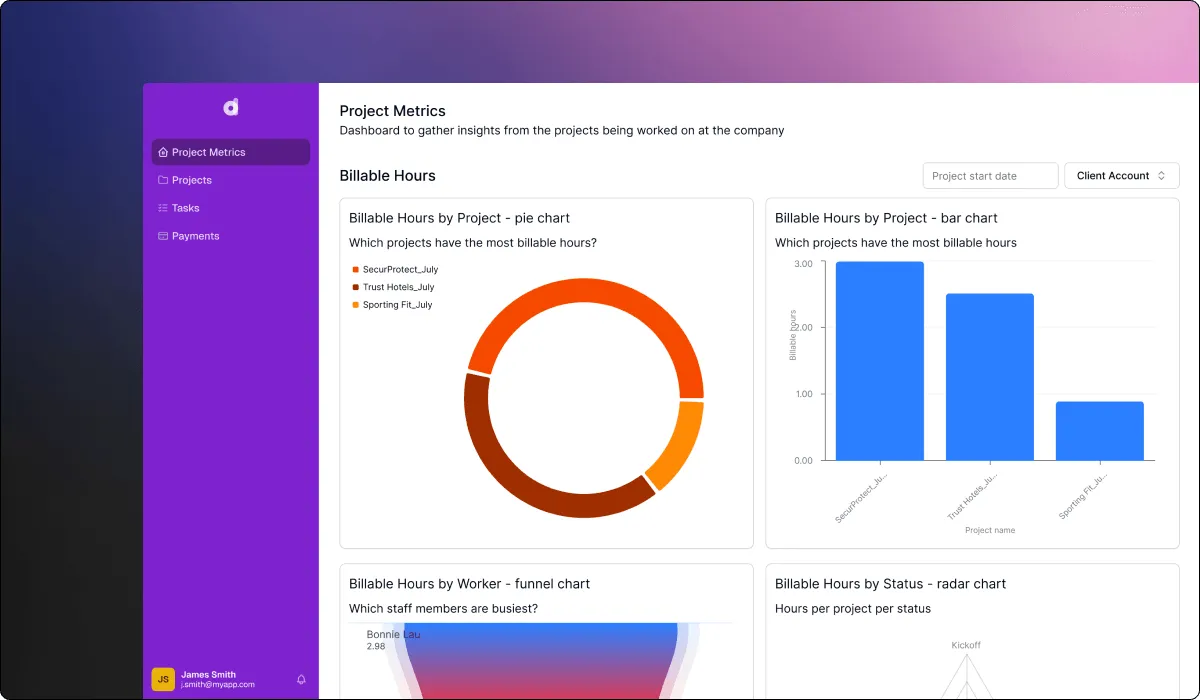
Charts across Noloco are now quicker and more responsive when you’re customizing them. Whether you’re digging into dashboards or spotting trends in your data, charts keep up with you, even as your apps grow. Learn more about charts.
You stay in control
We’ve updated the Nola and app page layout so you can build the way that works best for you. You can now:
- minimize Nola when you want to focus on your page or table list
- or keep both the sidebar list and Nola visible when you want guidance as you work
Nola is there when you need her, and out of the way when you don’t. Learn more about Nola.