EnterprisePricing

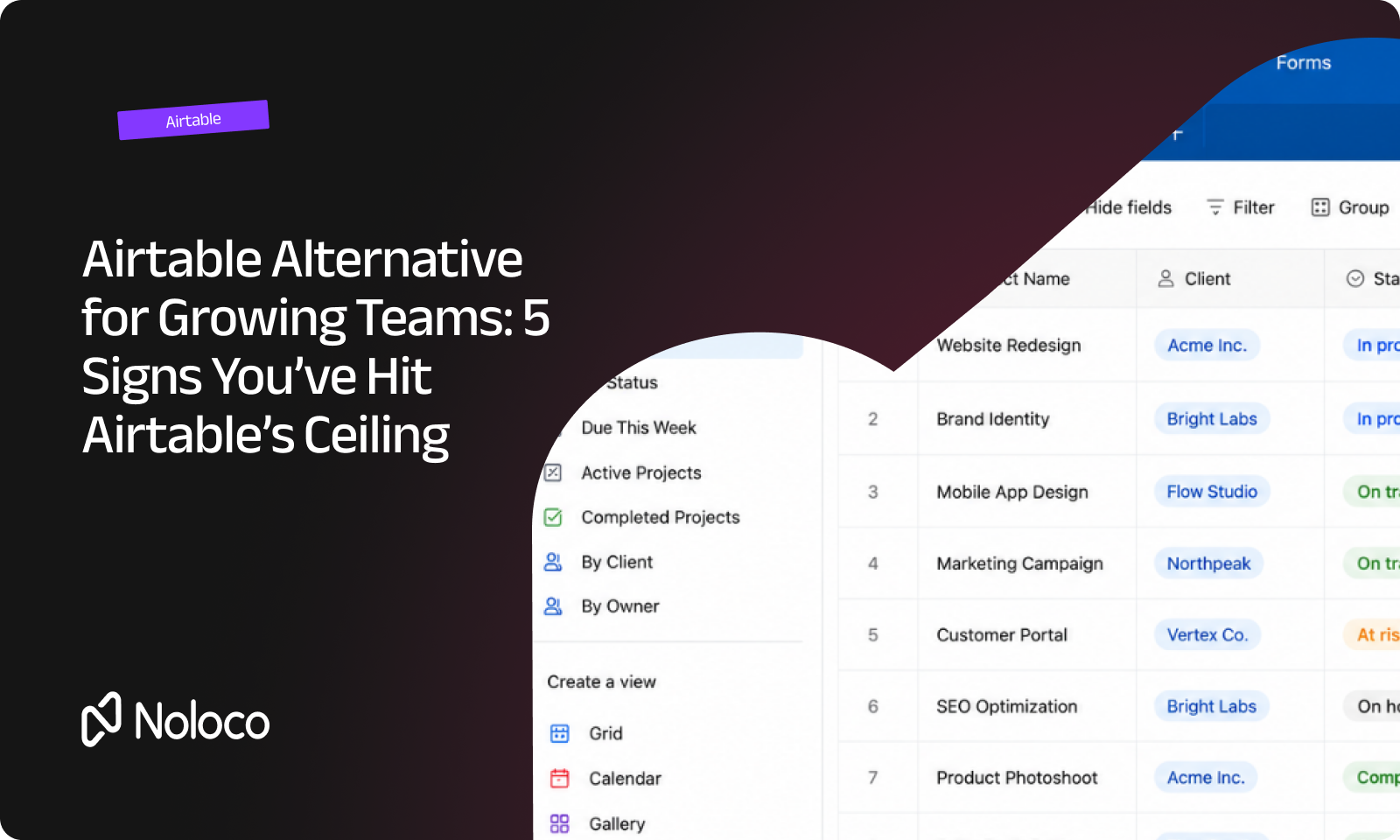
You built the first Airtable base to keep track of jobs. Eighteen months later, that one base has turned into a dozen: one for contracts, one for vendors, one for a client view you patched together with an Interface, one nobody remembers the purpose of anymore.
You're not running a business on Airtable at this point. You're maintaining it. And you're the one person who knows where all the load-bearing walls are.
This shows up in every kind of operation, not one industry. A solar installer coordinating crews and permits. A transport company juggling drivers and shipments. A finance ops team reconciling client accounts. An aquaculture farm tracking feed schedules and site audits. What these businesses share isn't a sector. It's a shape: complex, many-step work that crosses outside the four walls of the company into clients, partners, contractors, or field staff.
Airtable rarely fails at the start. It's genuinely good at organizing information fast. The ceiling shows up later: when not everyone who needs access is an employee, when the roles you need don't map cleanly onto Airtable's permission model, and when paying per seat stops making sense for a system half your users only need to glance at.
TL;DR: is it time to look past Airtable?
- The clearest sign is permissions pressure: you're duplicating bases and interfaces because Airtable's roles don't match who actually needs to see what.
- The second sign is boundary-crossing work: clients, contractors, or field staff need real, governed access, not a shared link or an exported PDF.
- Cost adds up fast once you're paying per editor. Airtable's Team and Business plans run $20 to $45 per seat, per month, billed annually, and that charge applies to anyone with edit access to a base (Airtable Pricing, accessed August 2026).
- You don't have to abandon Airtable to fix this. Most growing operations keep it as the data layer and add a connected front end for permissions, client-facing views, and automations across the whole operation.
- Redrock Entertainment took that route and cut its annual software costs by about 60% while supporting more than 100 users (Redrock Entertainment customer story, Noloco).
What are the signs your operation has outgrown Airtable?
Outgrowing Airtable has nothing to do with headcount. A 12-person logistics operation can hit the ceiling faster than a 40-person consultancy, because the ceiling is about the shape of the work, not the size of the team.
Four things tend to show up together when a business is ready for something else.
First, the operation is genuinely complex: many steps, exceptions at every stage, and rules that change depending on the job. Second, the work crosses a boundary: clients need to see status, contractors need to submit updates, field staff need to log work from a site, and none of them should be treated like internal employees. Third, permissions are under real pressure, meaning roles, visibility, and delegation are breaking down faster than you can patch them. Fourth, and easiest to miss: there's one specific person holding it together, whether that's a founder wearing every hat or an ops or IT director who inherited the mess.
If all four are true, Airtable isn't broken. It's just being asked to do a job it wasn't built for.
What do most teams try before switching?
Nobody replaces their core system on a whim, so most operations go through a few stopgaps first. Recognizing them helps explain why the ceiling keeps coming back no matter how you patch it.
The first stopgap is usually more Airtable: another base for the new client type, another Interface for the new audience. That buys a few months, then the duplication problem doubles. The second is stitching in automation tools like Zapier or Make to move data between bases and plug the gaps. That solves specific breakages but adds more moving parts for one person to maintain. The third is downgrading some users to read-only shared links, which removes the cost problem but also removes any real interaction, so clients and contractors end up back on email anyway. The fourth is bolting on a separate lightweight app builder for just one use case, like a client view, which fixes that one problem while leaving the rest of the operation exactly as fragmented as before.
Each of these treats a symptom. None of them changes the underlying pattern: one person patching permissions and access, base by base, audience by audience.
For most businesses, the actual trigger to stop patching and switch is one of three moments: hitting Airtable's ceiling directly on permissions, branding, or per-seat cost; a top-down decision from someone above you to modernize the whole operation; or, increasingly, the sense that switching is finally realistic instead of a multi-month rebuild, now that AI-assisted tools can rebuild views and automations in days rather than months.
How much does staying on Airtable actually cost as you grow?
The sticker price looks manageable until you count who actually needs a seat. Airtable's Team plan runs $20 per user per month billed annually, and its Business plan runs $45 per user per month billed annually. Both charge only people with edit permission on at least one base, while read-only collaborators and form submissions stay free (Airtable Pricing, accessed August 2026).
That model works fine until your operation looks like Redrock Entertainment's did. The Los Angeles entertainment company, which has produced more than 400 live events across four business divisions, had grown its Airtable setup from a simple CRM into the system running projects, finance, vendor onboarding, contracts, and time tracking. Two problems stacked up: duplicated Interfaces across divisions kept falling out of sync, and the business needed more than 100 seats even though many of those people only needed lightweight, occasional access.
This kind of sprawl is not unique to any one company. The average business now runs 106 separate software applications, according to BetterCloud's 2026 State of SaaS report (BetterCloud, 2026). Every time a new audience, client type, or process gets its own patched-together access method instead of fitting into one governed system, that number climbs, and so does the cost of keeping it all running.
What does consolidating onto one system look like in practice?
Redrock didn't rebuild its data from scratch. It kept Airtable as the source of truth and added Noloco as the application layer on top of it: one place for project visibility, time tracking, vendor workflows, internal forms, contracts, and finance operations across every division. Noloco's Spaces let each of Redrock's four divisions run its own workflows while sitting inside one system with role-based access controls, instead of four sets of duplicated bases.
In Jesse VanDenKooy's words, Technology Solutions Architect at Redrock Entertainment: "We needed a simpler way to keep Airtable as the source of truth while giving employees, vendors, and clients controlled access to it. Noloco gave us a more robust front end to unlock new capabilities and reduce costs. We've probably cut our annual software cost by about 60%" (Redrock Entertainment customer story, Noloco).
Airtable has since added its own Portals feature for external collaborators, so the gap isn't that Airtable can't reach outside your team at all. The gap is doing that consistently across every audience, every division, and every process from one governed system, instead of assembling Portals, Interfaces, and separate permission rules base by base.
What should you look for in an Airtable alternative or add-on?
- Keeps Airtable as your data source rather than forcing a full data migration on day one.
- Gives employees, clients, vendors, and field staff each their own governed view from the same underlying data.
- Prices access in a way that doesn't punish you for adding occasional, lightweight users.
- Can be maintained by the person who already owns the operation, without hiring a developer.
- Handles many-step, exception-heavy processes, not just flat lists of records.
- Lets you consolidate more than one division or workflow into a single system over time, instead of solving only today's most painful process.
Final thoughts
None of this is about which industry you're in. It's about whether your operation has grown past the point where one person can hold the permissions, the client access, and the exceptions together in their head. Complex, many-step work that reaches outside your own team is the pattern, whatever you happen to sell.
Airtable doesn't have to go away to fix this. Keeping it as your data layer and adding one connected system on top, for permissions, client and vendor access, and automation across every process, is how businesses like Redrock Entertainment got out from under the sprawl without a disruptive rebuild.
See how an operation like yours could consolidate onto one system.
Book a walkthrough and bring your actual Airtable setup. We'll show you what stays, what moves, and what your team and clients see on day one.
FAQ
Is Airtable enough for a growing operation?
For a single, contained process with a small, internal team, yes. It becomes harder to rely on alone once the work involves multiple departments, external users, or permission rules that change by role.
What's the difference between an Airtable extension and an Airtable alternative?
An extension adds a specific feature inside Airtable itself, like a calendar view or a document generator. An alternative, or an add-on layer, sits on top of or beside Airtable to handle things like permissions, client portals, and cross-process workflows that Airtable's own interface isn't built for.
Do I have to migrate all my data before switching tools?
No. Many businesses keep Airtable as the underlying data source and add a connected front end on top, which avoids a disruptive one-time migration and lets you move process by process.
How much does it typically cost to add client or vendor access to an Airtable-based system?
It depends on the tool, but the more relevant question is whether you're paying per seat for every occasional user or paying for a system built to handle mixed audiences. That difference is usually where the cost gap shows up.
What's the single clearest sign it's time to consolidate?
When permissions and access have become something you patch reactively, base by base or interface by interface, rather than something the system handles by design.
Related resources
Author



Our recent posts
Explore all blog posts

Your most common
questions—answered!
Who is Noloco best suited to?
+
-
Noloco is perfect for small to medium-sized service businesses like consultancies, agencies, advisory firms, as well as engineering and industrial services such as energy, construction, or any other operations-focused fields.
Do I need tech experience to use the platform?
+
-
Not at all! Noloco is designed especially for non-tech teams. Simply build your custom system using a drag-and-drop interface. No developers needed!
Is my data secure?
+
-
Absolutely! Security is very important to us. Our access control features let you limit who can see certain data, so only the right people can access sensitive information
Do you offer customer support?
+
-
Yes! We provide customer support through various channels—like chat, email, and help articles—to assist you in any way we can.
My business is growing fast—can Noloco keep up?
+
-
Definitely! Noloco makes it easy to tweak your system as your business grows, adapting to your changing workflows and needs.
Is there any training or support available to help my team get up to speed?
+
-
Yes! We offer tutorials, guides, and AI assistance to help you and your team learn how to use Noloco quickly.
Can I make changes to my app after it’s been created?
+
-
Of course! You can adjust your app whenever needed. Add new features, redesign the layout, or make any other changes you need—you’re in full control.
Ready to boost
your business?
Build your custom tool with Noloco